Menu
Inscription / Connexion

Les membres de la meute avancent plus vite.
🐺 Rejoindre la meuteDéjà membre ? Connectez-vous

Disponibilité: Stock bas : 22 restant(s)
Impossible de charger la disponibilité du service de retrait


Application: Desktop,Laptop,Tablet
Backlight Type: No backlight
Battery Included: No
Brand Name: B.O.W
Certification: CE
Choice: yes
Full Size keyboard: Yes
Interface Type: Bluetooth
Keyboard Standard: Tablet Keyboard
Language: Europe,Russian,Hebrew,English
Operation Style: Capacitive
Origin: Mainland China
Package: Yes
Style: Ergonomics,Numeric Keyboard,for Tablet
Switches Hot swap: No
Type: Bluetooth Wireless
Wrist Support: No
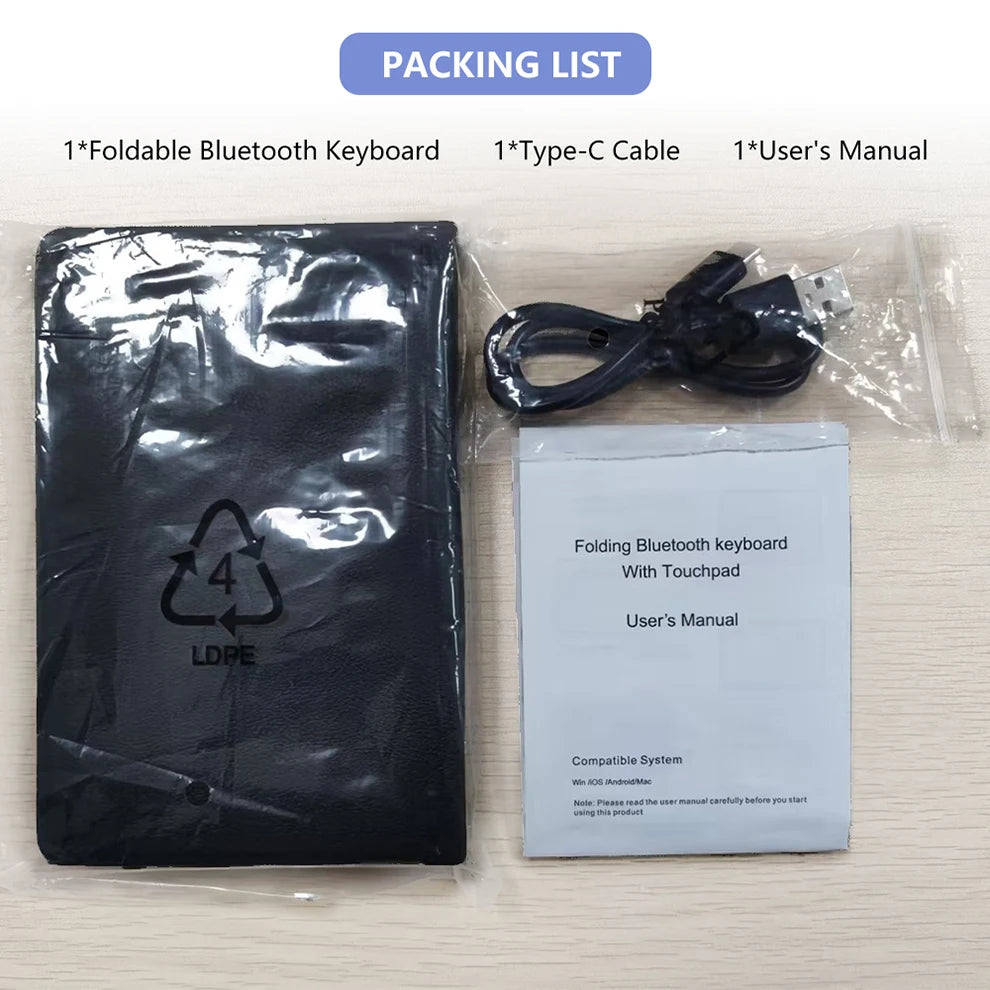
Foldable Bluetooth keyboard
Specification:
Opening size: approximately 304.1 * 216 * 6.1mm
Folding size: approximately 152.4 * 100 * 19.8mm
Touch screen size: approximately 132 * 61mm
Number of keys: 81
Working current: < 4mA
Standby current: < 0.65mA
Touchpad working current: 15mA
Sleep current: 27 μ A
Net weight of keyboard: approximately 275g
Lithium battery capacity: 140mAh
Working distance: 10m
Wake up method: button
Working voltage: 3.7 V
Charger specification: 5V 1A or 2A
Sleep time: 10 minutes
Standby Time: 90 days
Continuous working hours: 35 hours
System support: Win/Android/iOS/OS/HMS
Multi-channel connection
When connecting the first device, first press Fn+1, and then press Fn+C to initiate the connection.
Before connecting the second device, press Fn+2 times, and then press Fn+C to initiate the connection.
Before connecting to the third device, press Fn+3 times, and then press Fn+C to initiate the connection.
To use multiple devices simultaneously, press Fn+1/2/3 to freely switch to the connected device.


Keyboard maintenance
Please keep the keyboard away from liquid or humic environments, saunas, swimming pools, and steam rooms, and do not let the keyboard get wet in the rain.
Please do not expose the keyboard to temperature conditions that are too high or too low.
Please do not place the keyboard near flames, such as cooking utensils, candles, or flames.
Avoid scraping the product with sharp objects, and adjust the product in a timely manner to ensure normal use.
FAQ
Can't tablet connect to BT keyboard?
Firstly, check if the BT keyboard is in a matching code state, and then open tablePC Bluetooth search.
Check if the BT keyboard battery is sufficient. The low battery level may also prevent connection, and you need to charge it.
Does the keyboard indicator always flash when in use?
The keyboard indicator light always flashes during use, which means the keyboard will not work. Please charge it as soon as possible.
Does the PC display BT keyboard disconnected?
If the Bluetooth keyboard is not used for a period of time, the device will automatically adjust its sleep state to save power. Press any key on the keyboard to wake up, and the Bluetooth connection will be automatically restored.


