Menu
Inscription / Connexion

Les membres de la meute avancent plus vite.
🐺 Rejoindre la meuteDéjà membre ? Connectez-vous

Disponibilité: 1959 en stock
Impossible de charger la disponibilité du service de retrait


Application: Desktop,Laptop,Number,Tablet
Axis Body Brand: Bluetooth Keyboard and Mouse
Battery Included: No
Brand Name: HKXA
Certification: CE
Full Size keyboard: Yes
High-concerned chemical: None
Interface Type: USB
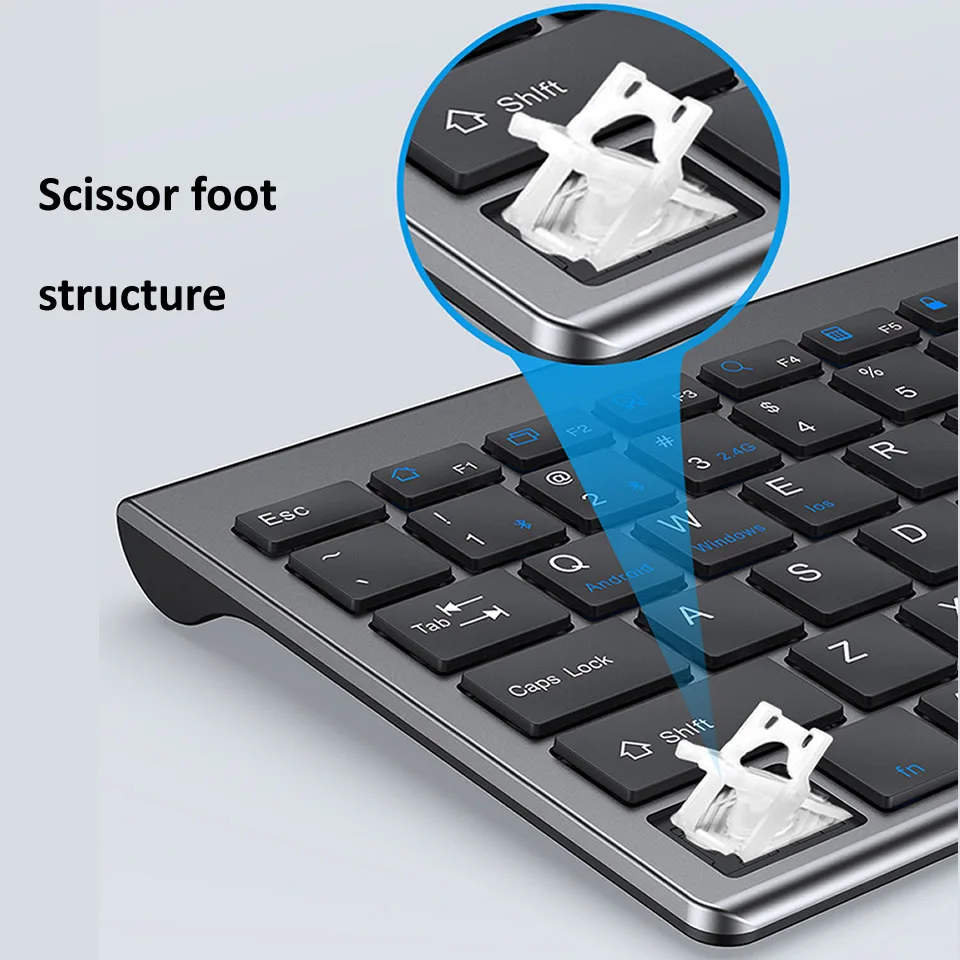
Keyboard Standard: 98 Keys
Language: Europe,BRAZILIAN,Russian,Japanese,French,Hebrew,English
Operation Style: Capacitive
Origin: Mainland China
Package: Yes
Style: Standard
Type: Bluetooth Wireless
Wrist Support: No
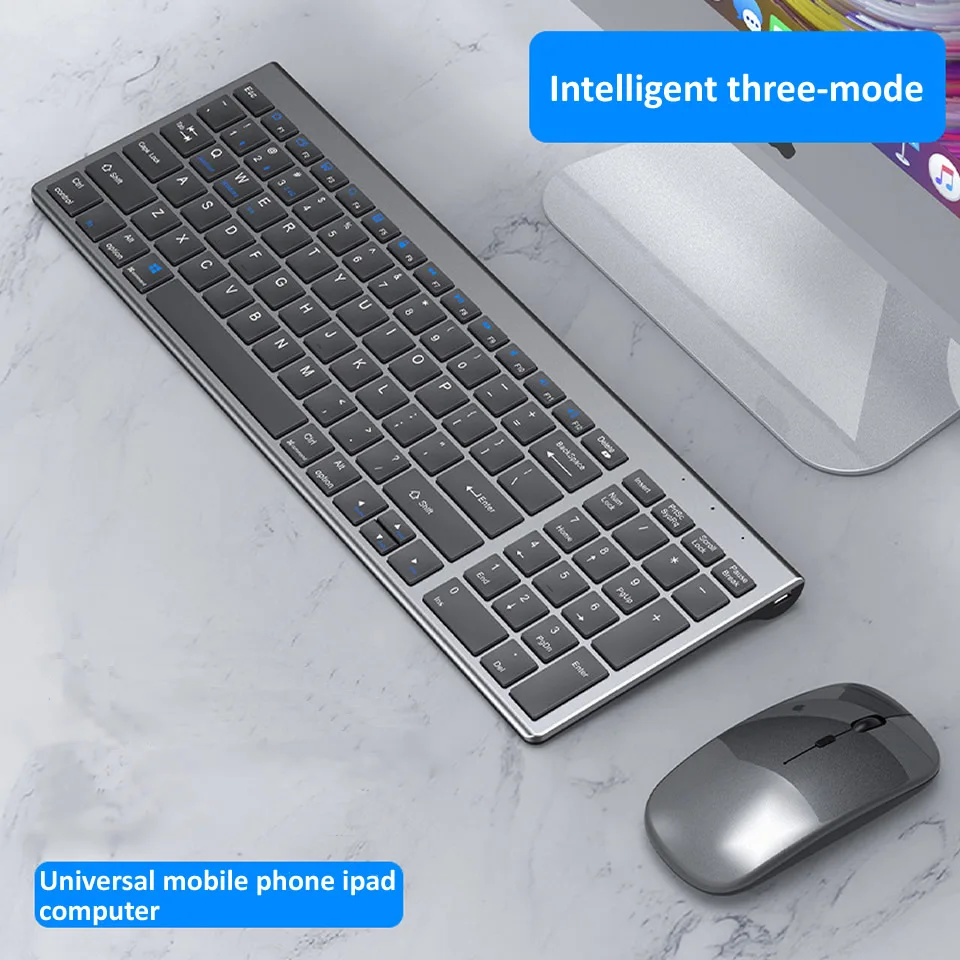
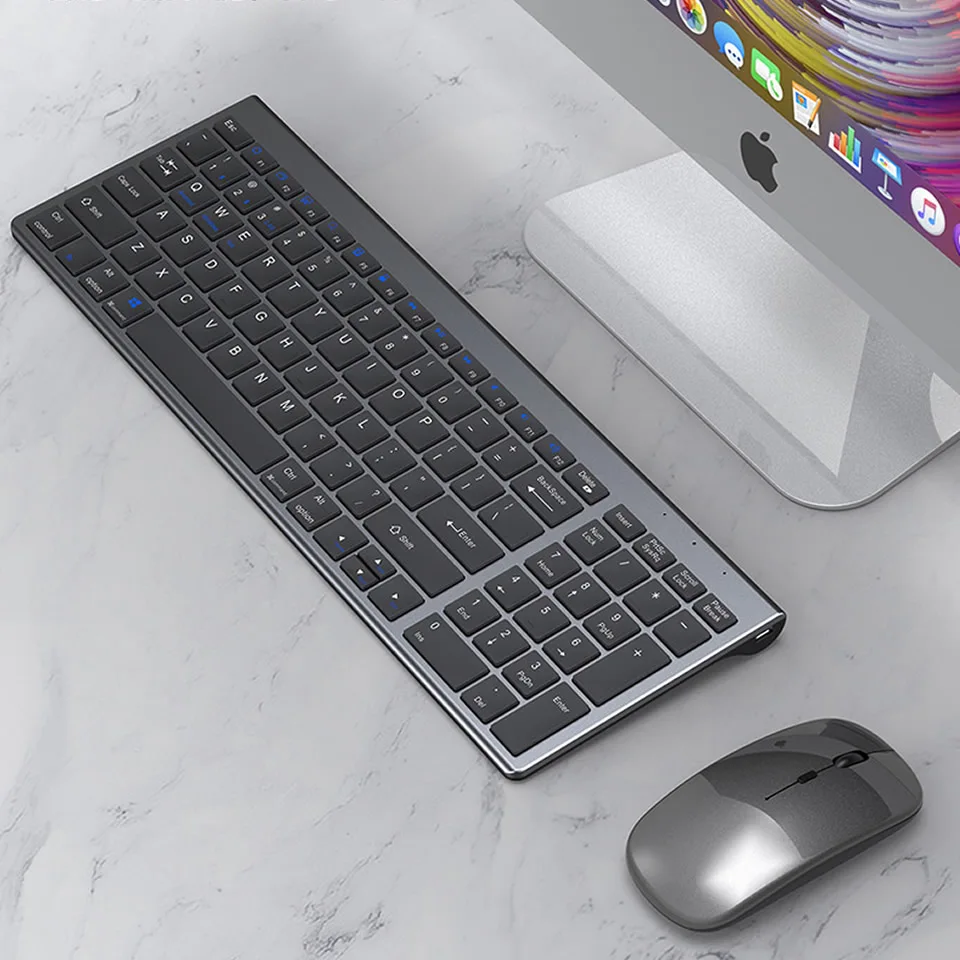
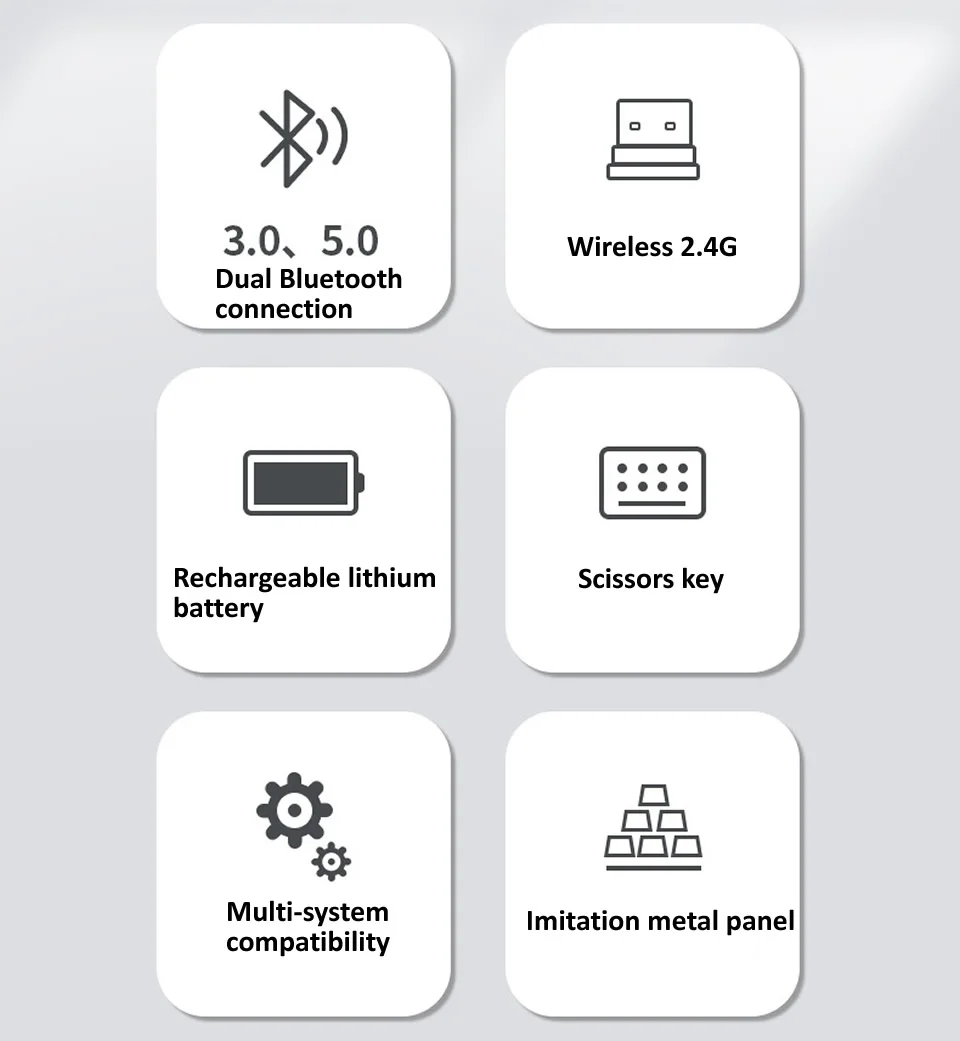
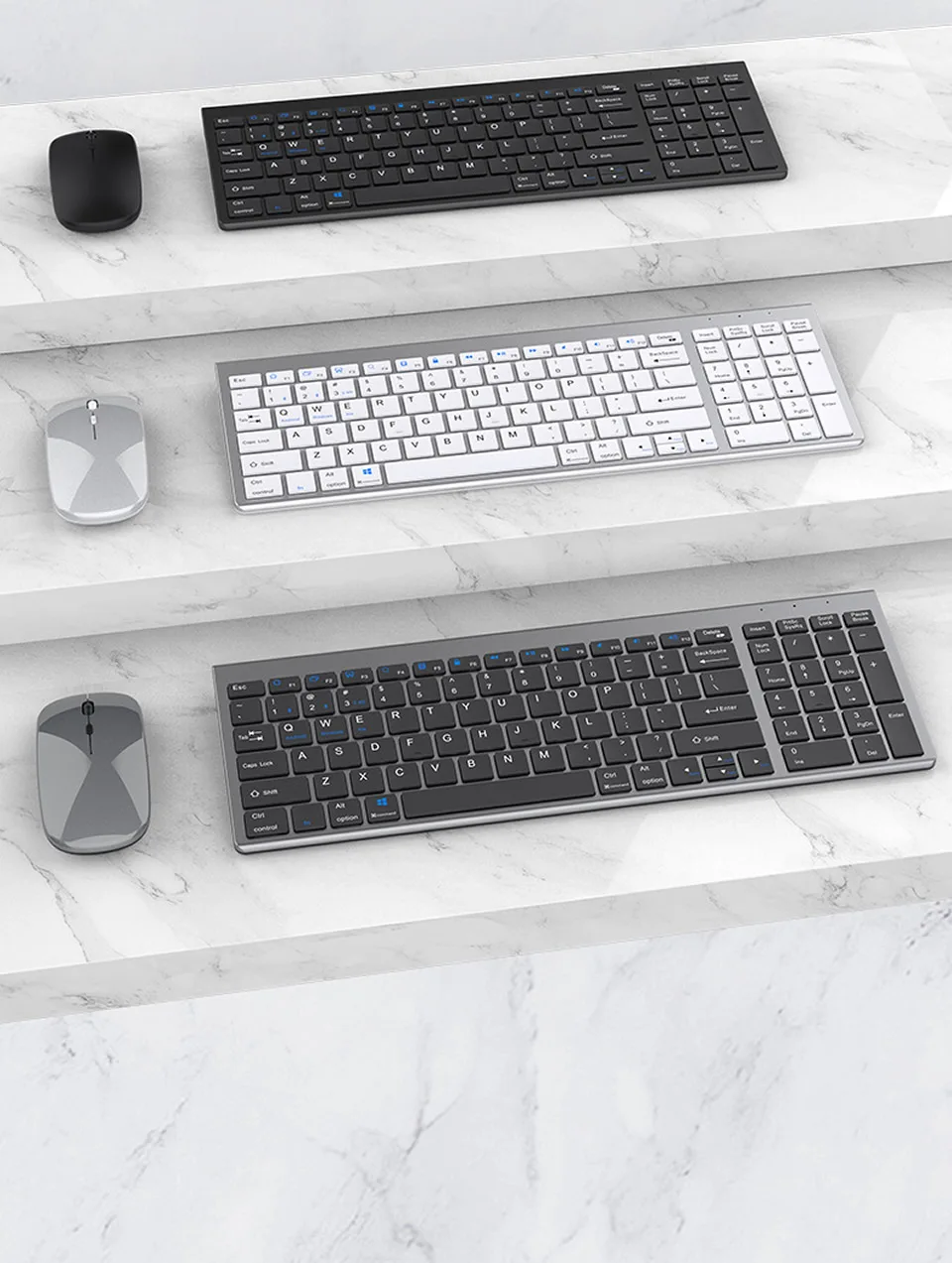
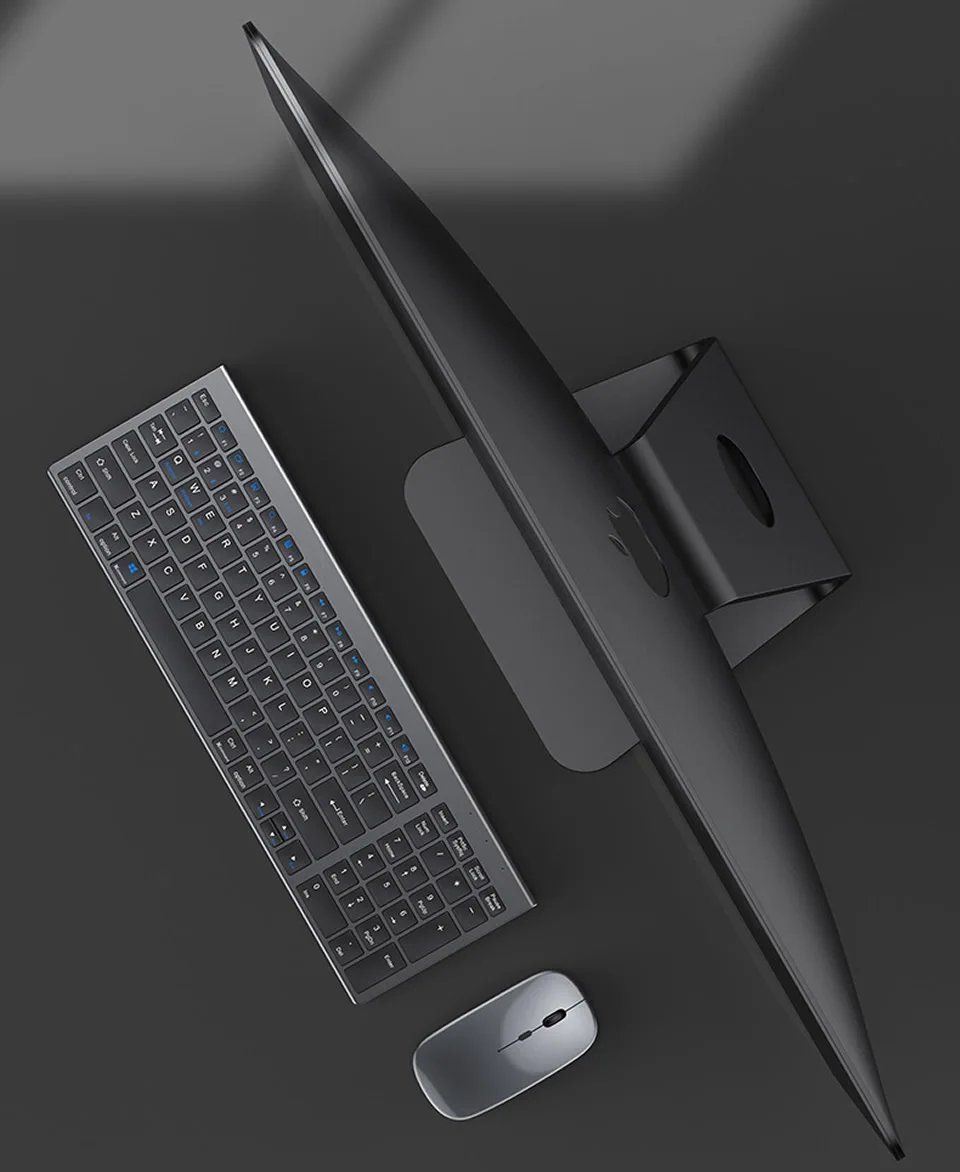
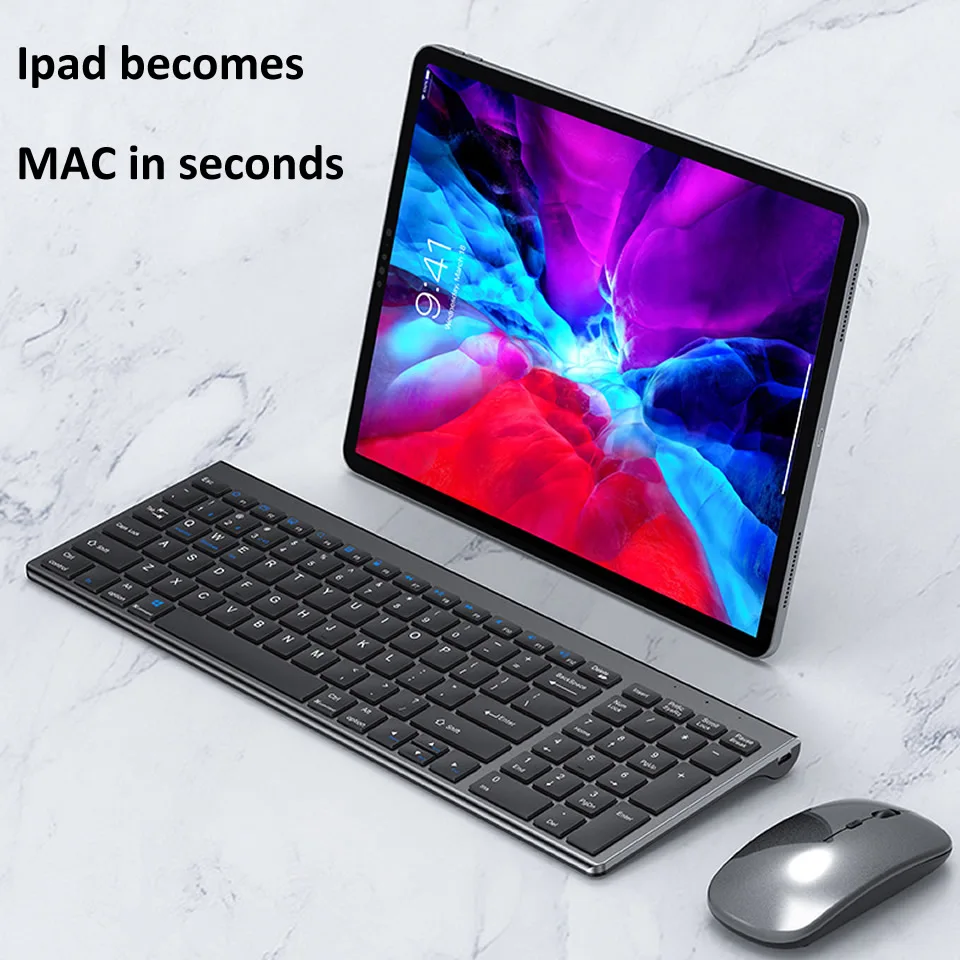
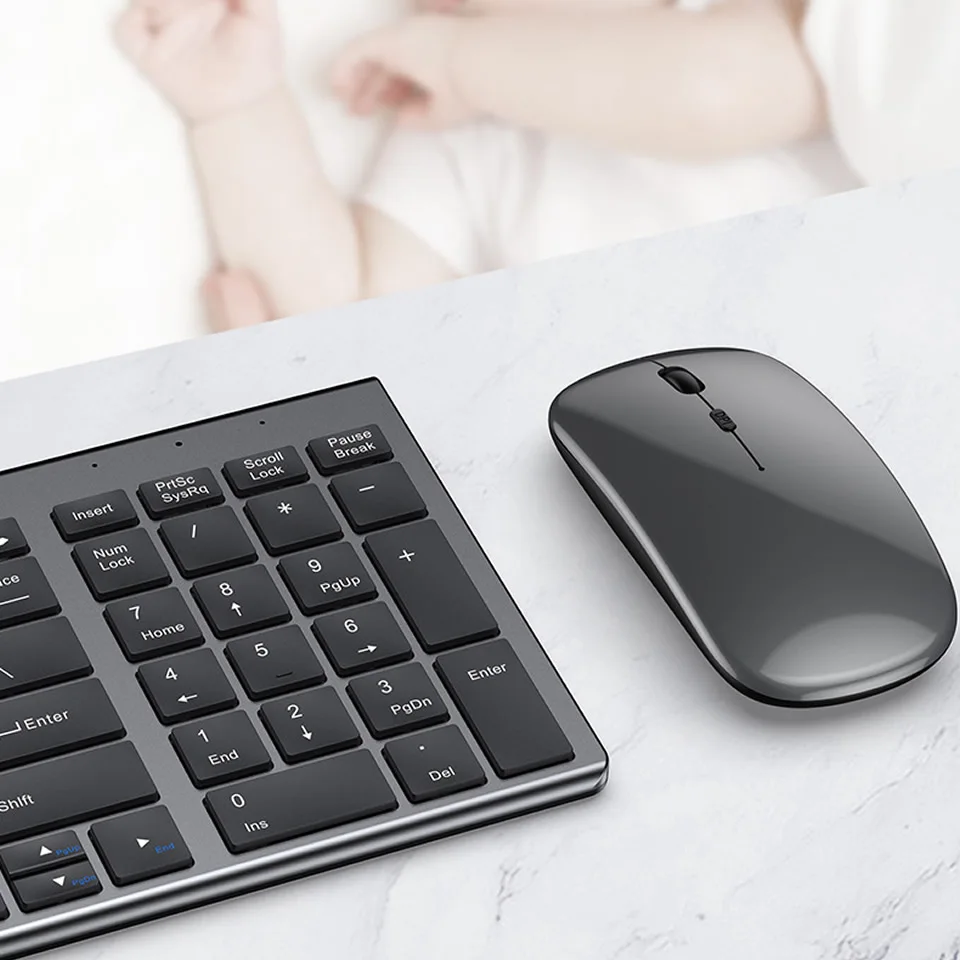
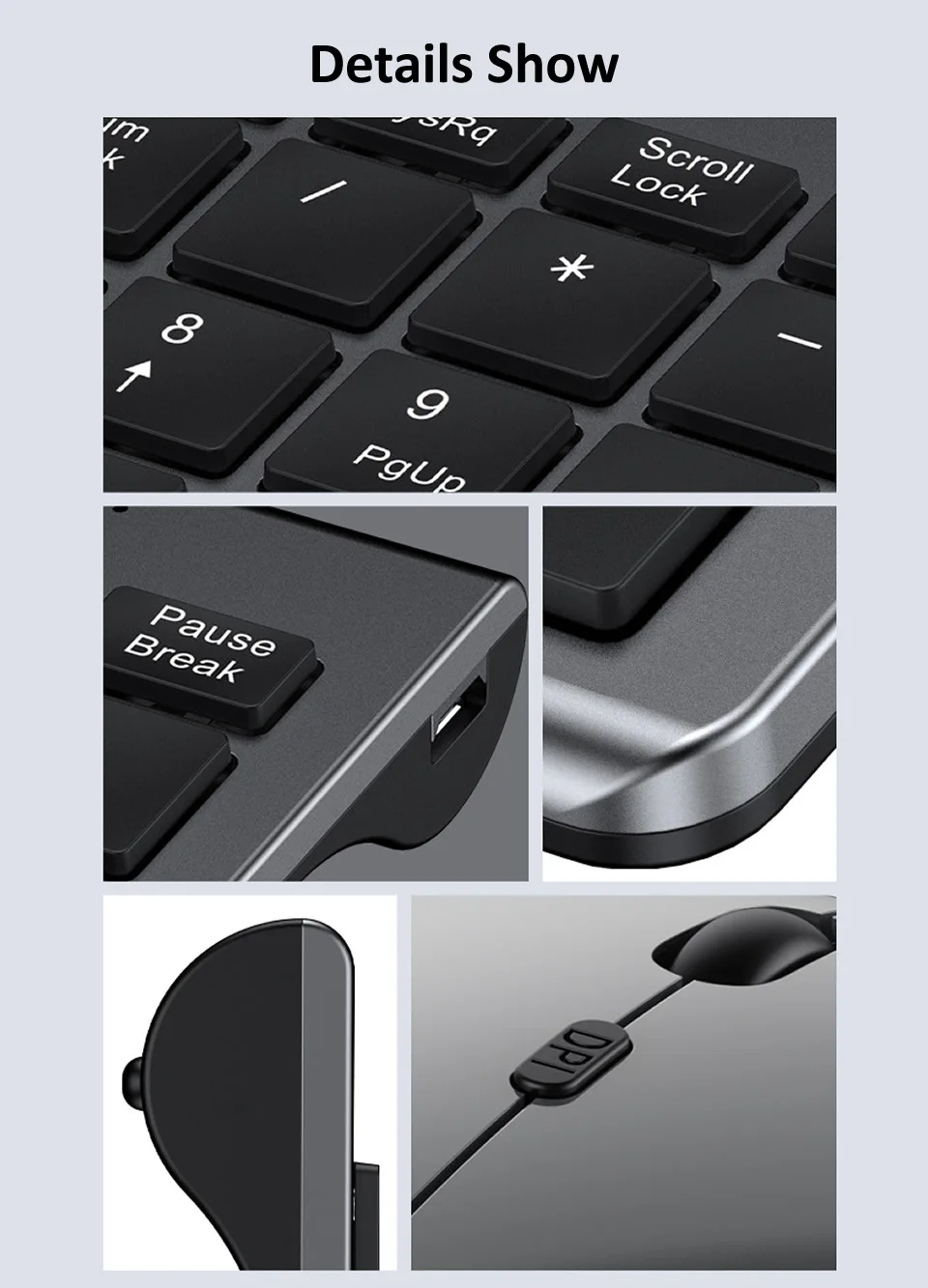
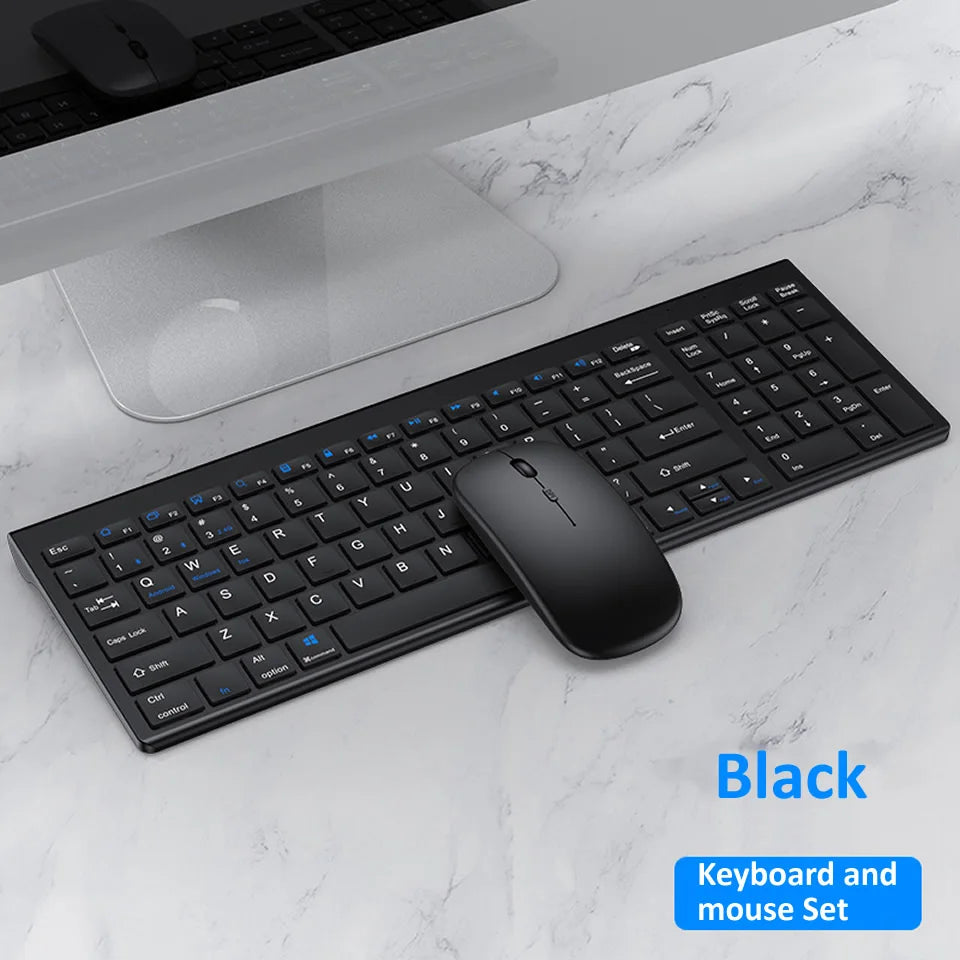
Bluetooth 5.0 2.4G Wireless Keyboard and Mouse Combo Mini Multimedia
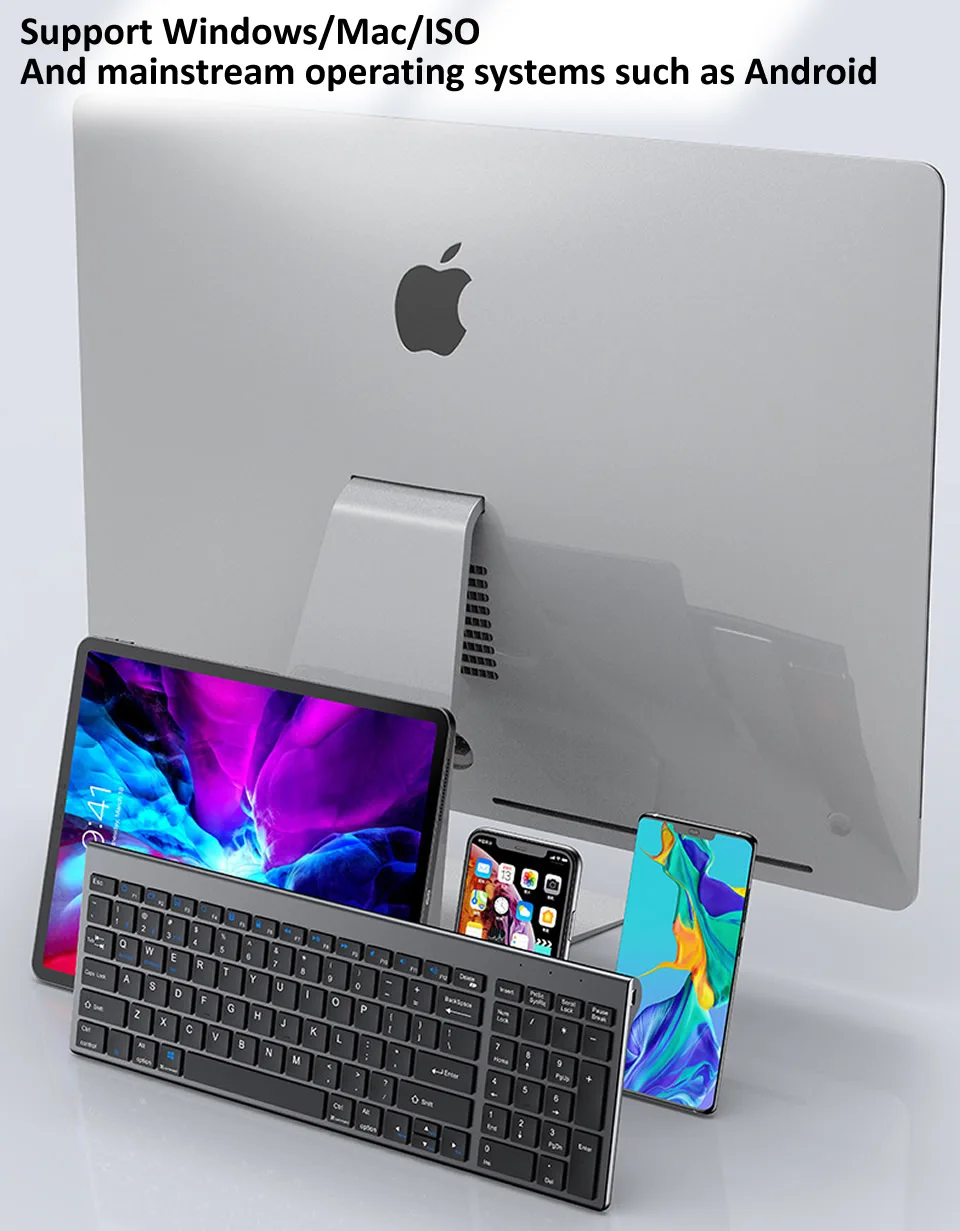
Keyboard Mouse Set for Laptop PC TV iPad Macbook Android
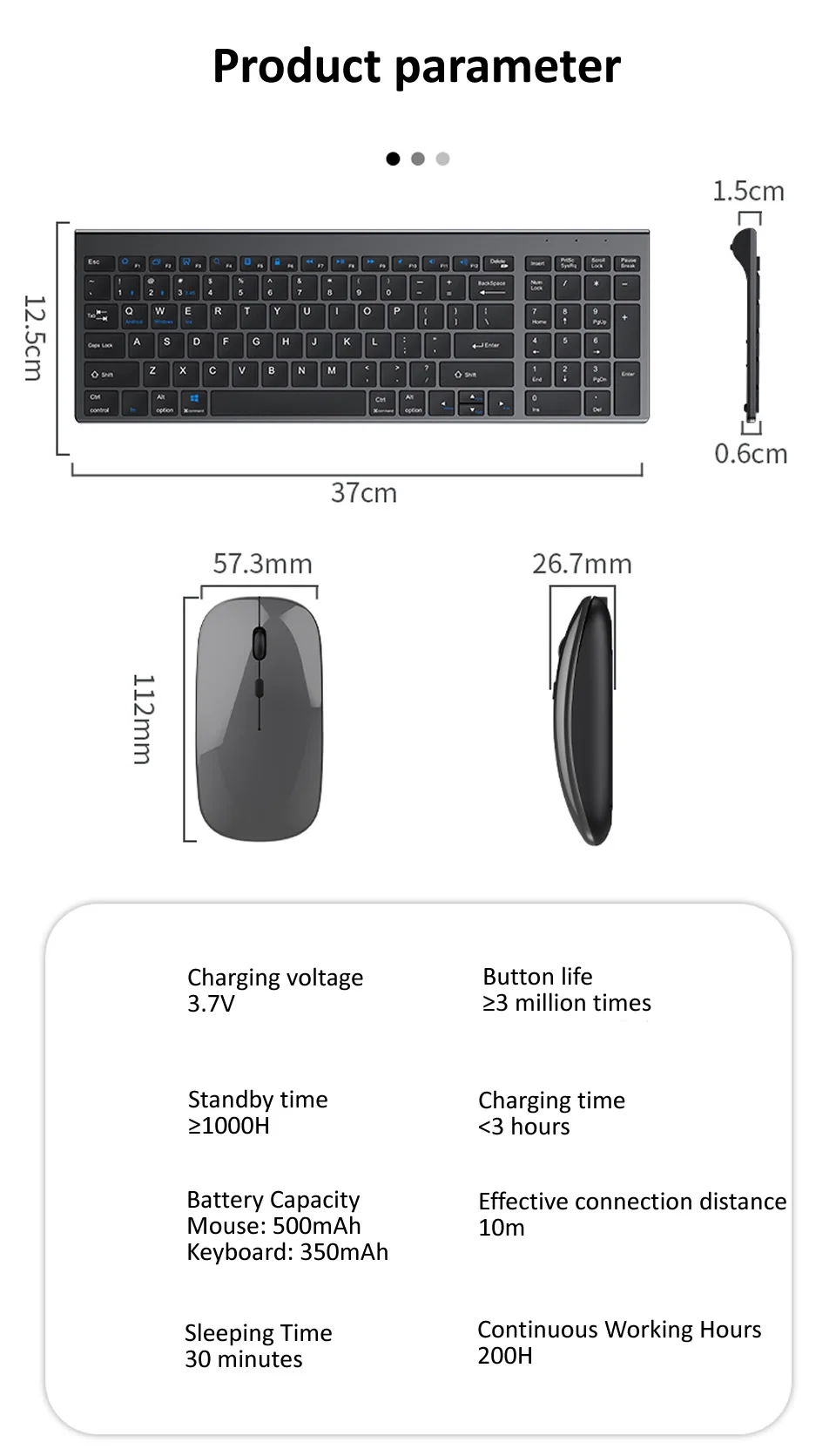
Product Parameters
Keyboard Size: 370*125*15mm
Mouse Size: 57.3*112*26.7mm
Charging Voltage: 3.7V
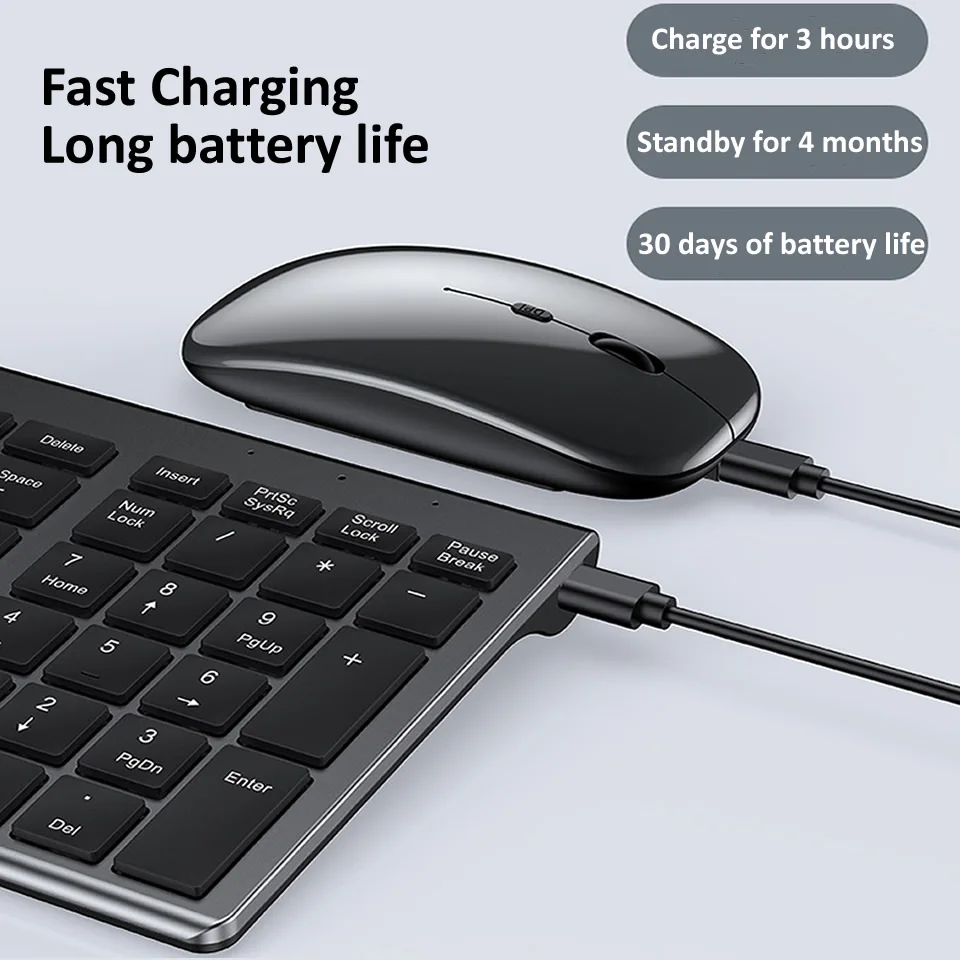
Key Life: ≥3 million times
Standby Time: ≥1000H
Charging Time: <3h
Battery Capacity: Mouse:500mAh; Keyboard:350mAh
Conncetion Distance: 10m
Sleep Time: 30min
Working Hours: 200H
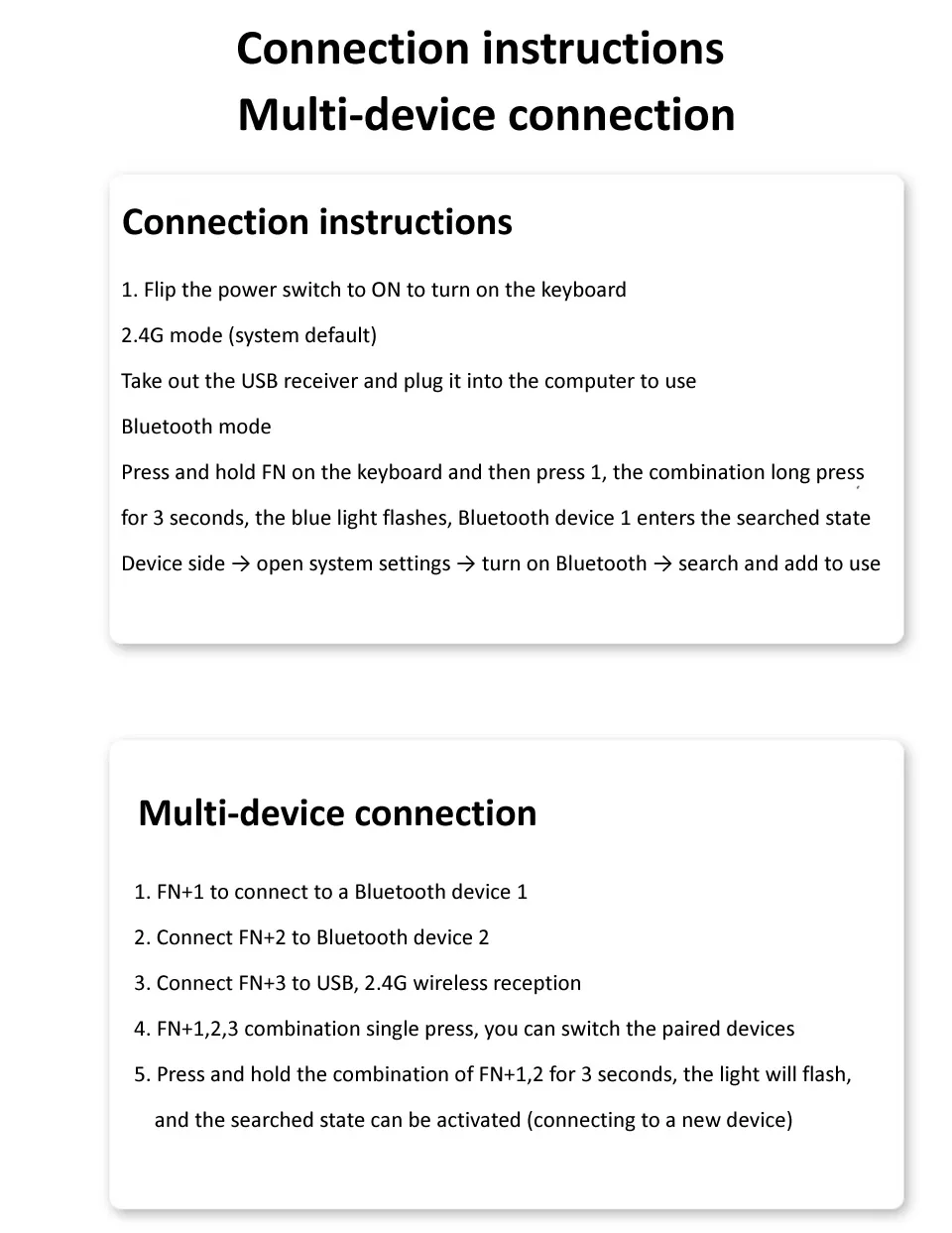
Conncetion Description
Turn the power switch to on to turn on the keyboard
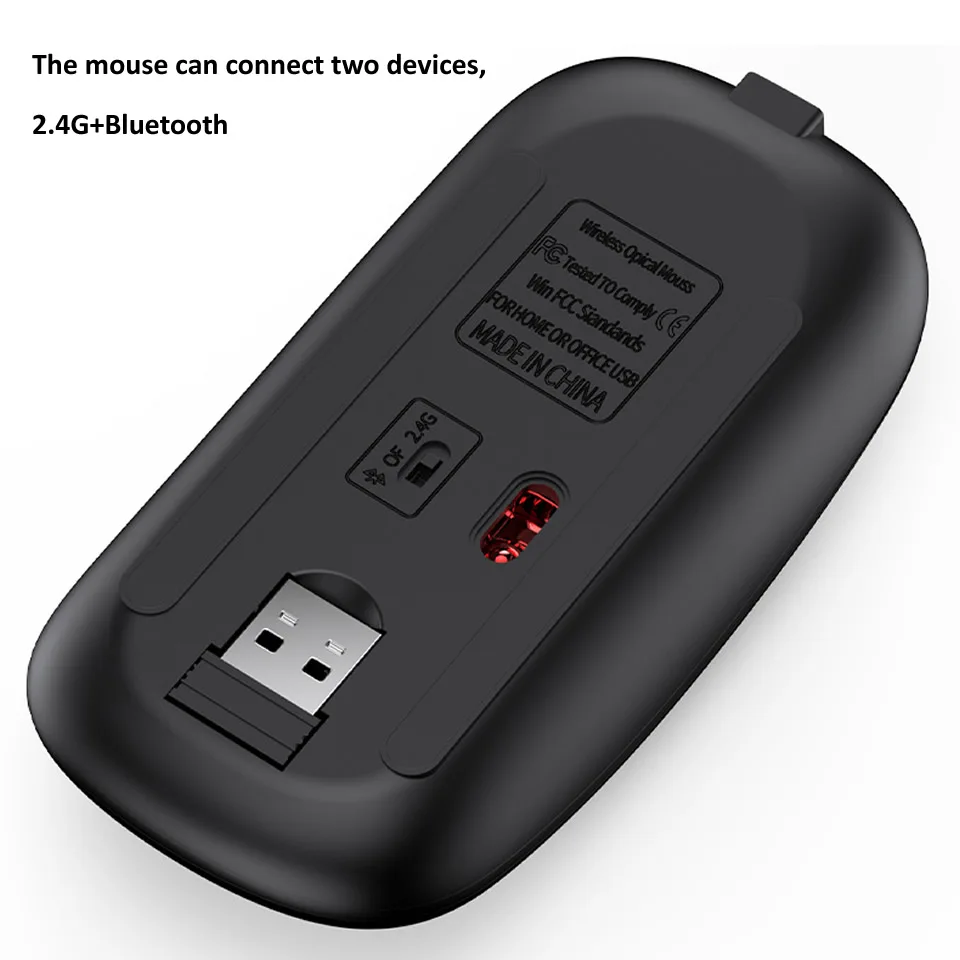
2.4G Mode (System default)
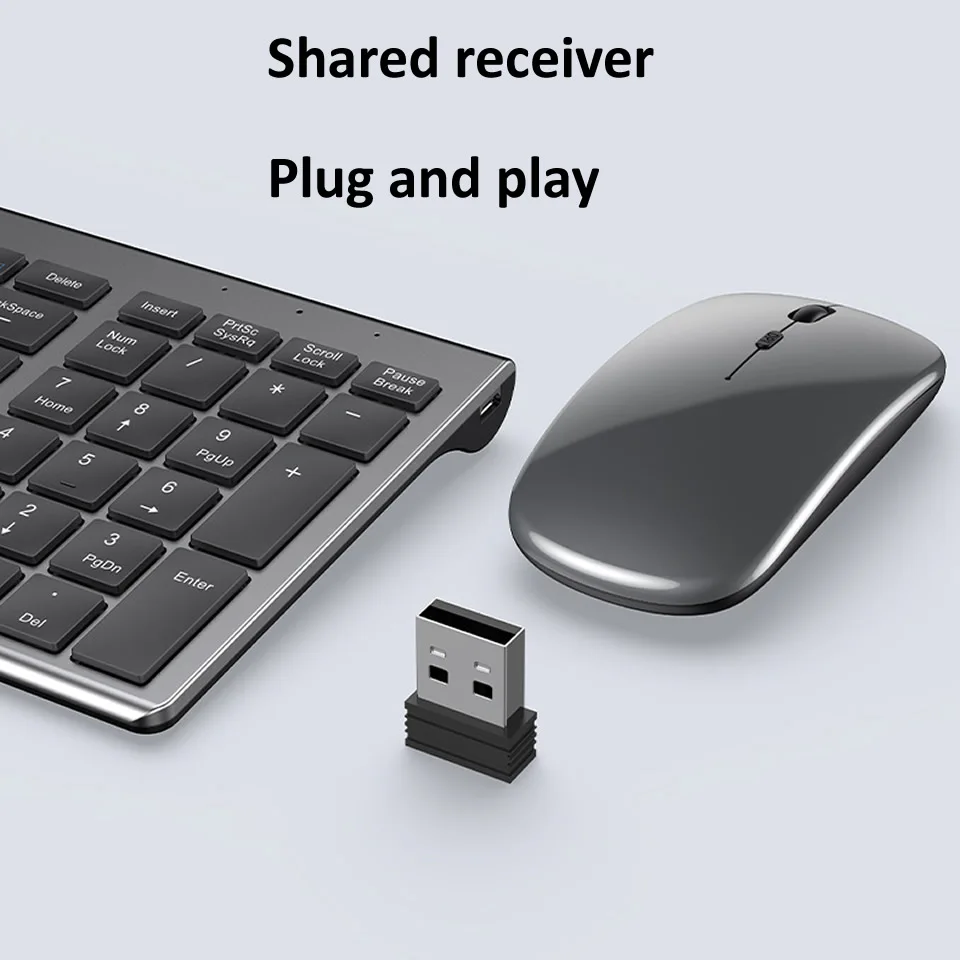
Remove the usb receiver and plug into the computer
Bluetooth Mode
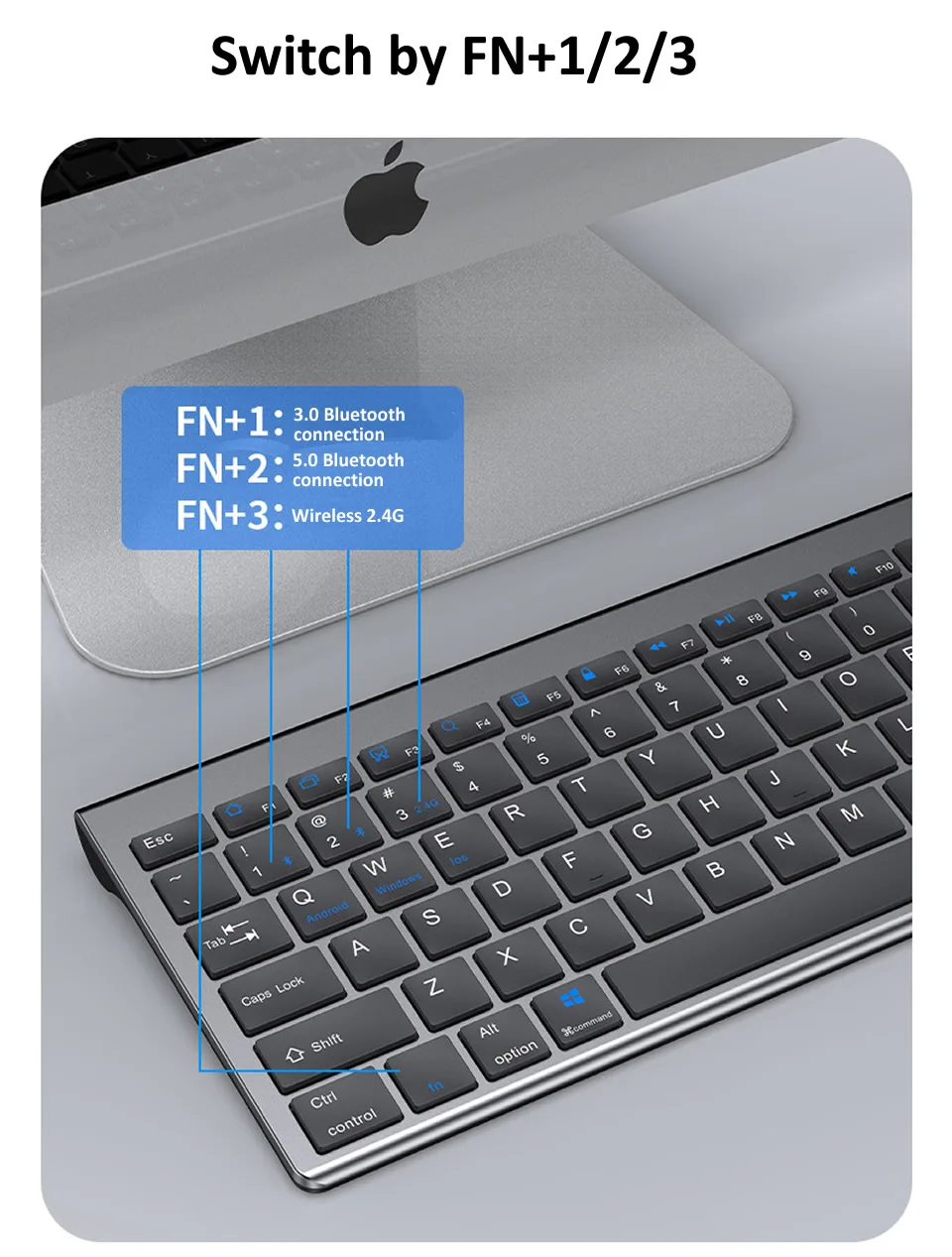
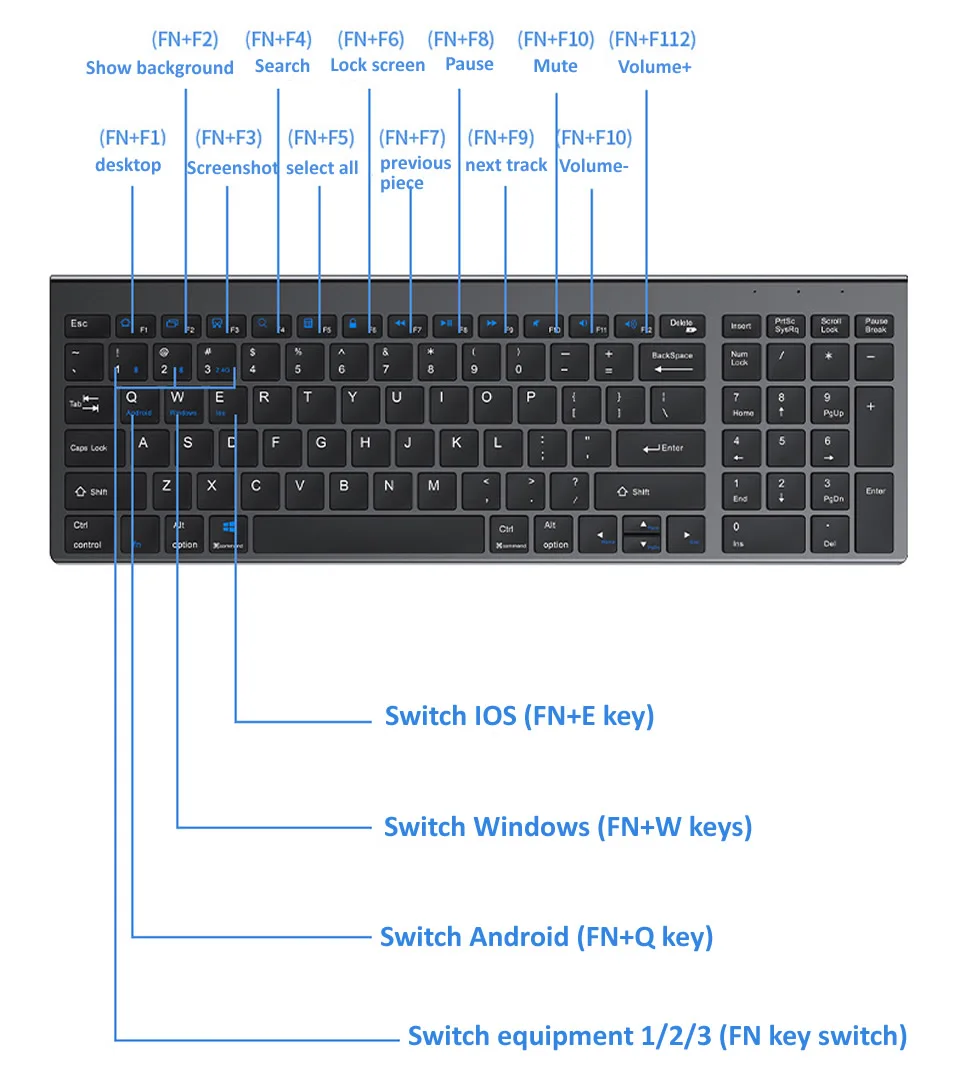
Press and hold FN on the keyboard, and then press1. Press and hold for
3 seconds, The blue light flashes and bluetooth device 1 enters the serched state
Device Side→open system setting→open bluetooth→search and add to use
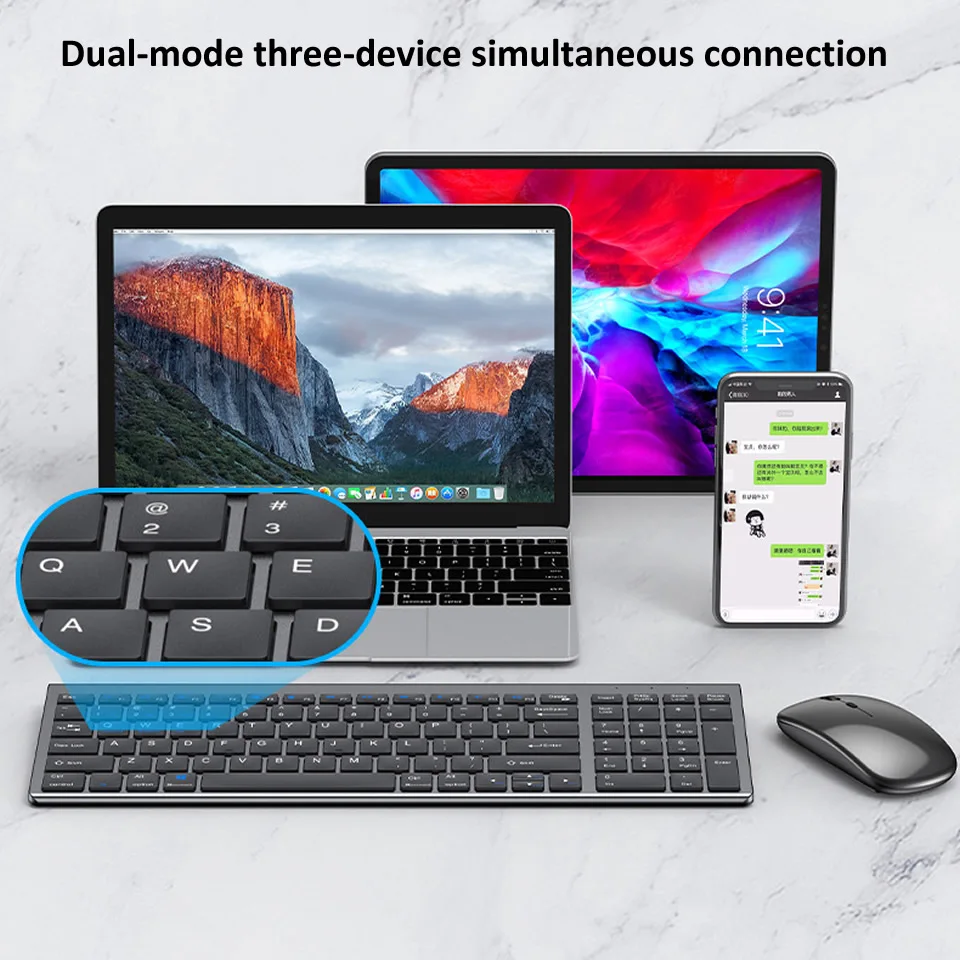
Multi device connection
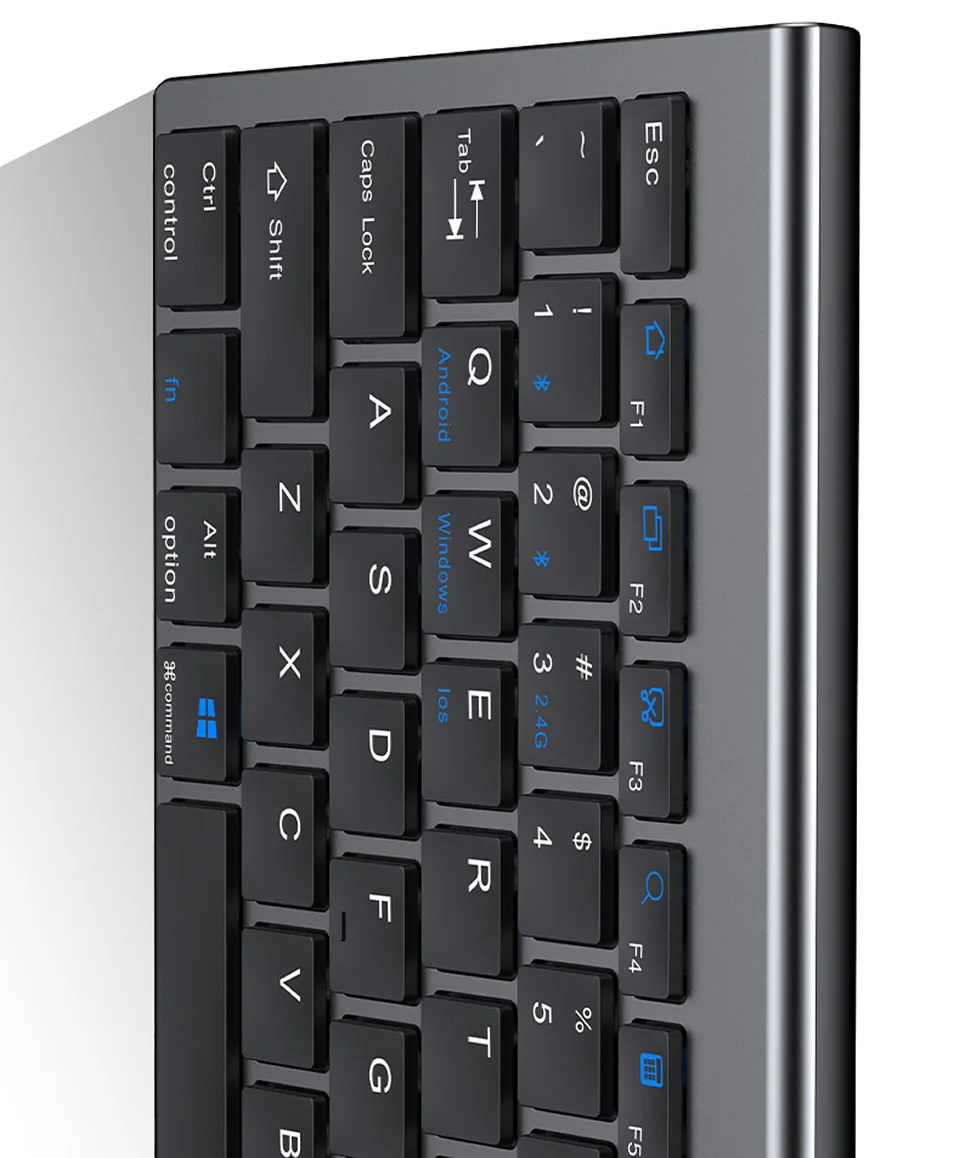
1. Connect Bluetooh Device 1 with FN+1
2. Connect Bluetooth Device 1 with FN+2
3. FN+3 connected to USB, 2.4G Wireless receiving
4. Single Press FN+1,2,3 to switch paried devices
5. Long press FN+1.2 for 3 seconds to flash the light to start the searched state (connect new equipment)
Package Including
1*Bluetooth and 2.4G Wireless Keyboard (comes with original box)
1*Bluetooth and 2.4G Wireless Mouse(comes with original box)-need to check the option
1*Charging Cable
1*User Manual