Menu

Availability: Low stock: 5 left
Couldn't load pickup availability


Acceleration: 10 G
Battery Included: Yes
Brand Name: HXSJ
Certification: CE,FCC,RoHS
Choice: yes
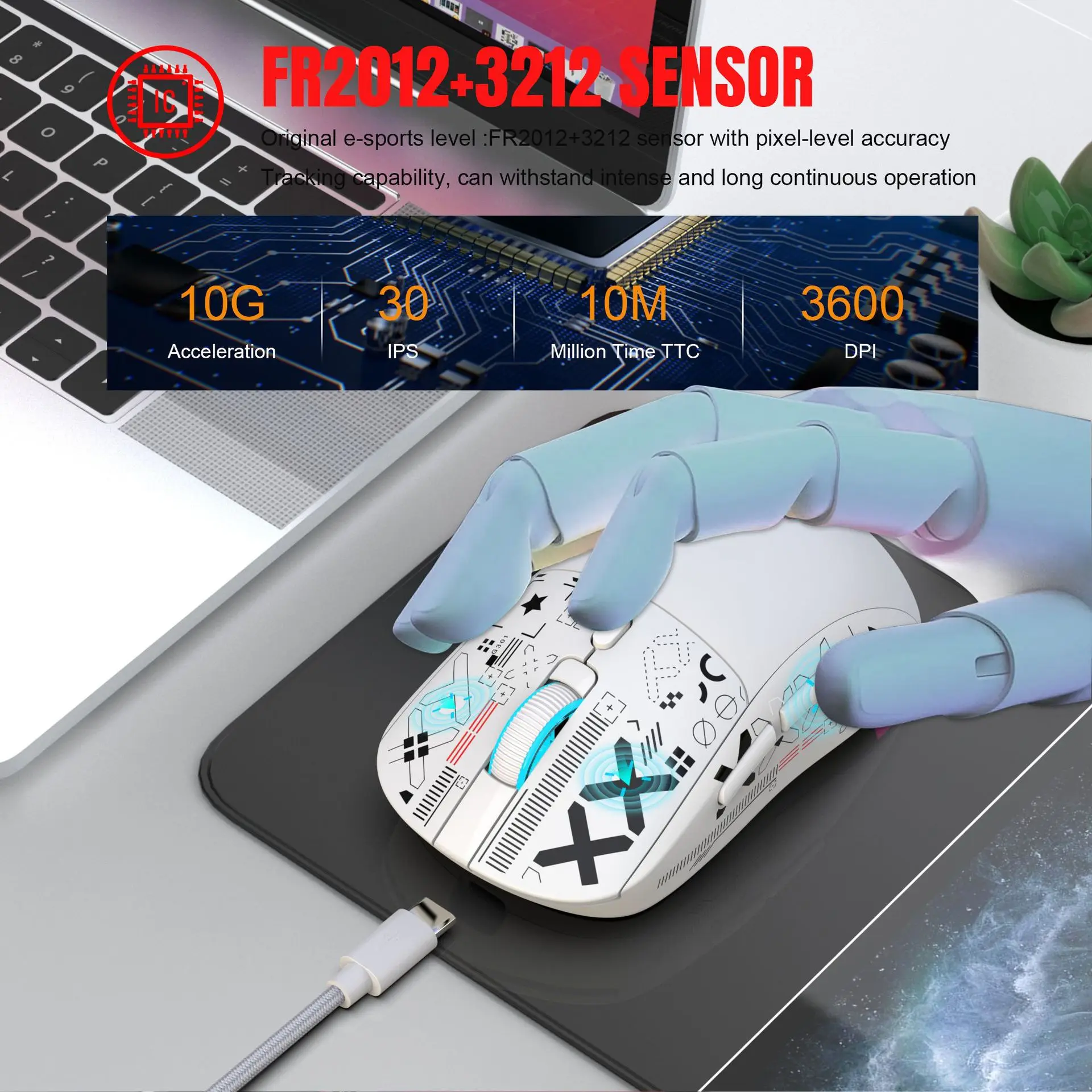
DPI: 3500
HXSJ Model: T90
Hand Orientation: Right
High-concerned chemical: None
Interface Type: USB
Movement speed, IPS: 30
Number of Buttons: 6
Number of Rollers: 1 pcs
Operation Mode: Opto-electronic
Origin: Mainland China
Package: Yes
Power Source: Rechargeable
Power Type: Rechargeable
Style: DPI adjustment button, Backlight
Type: Bluetooth Wireless
Technical Parameters:
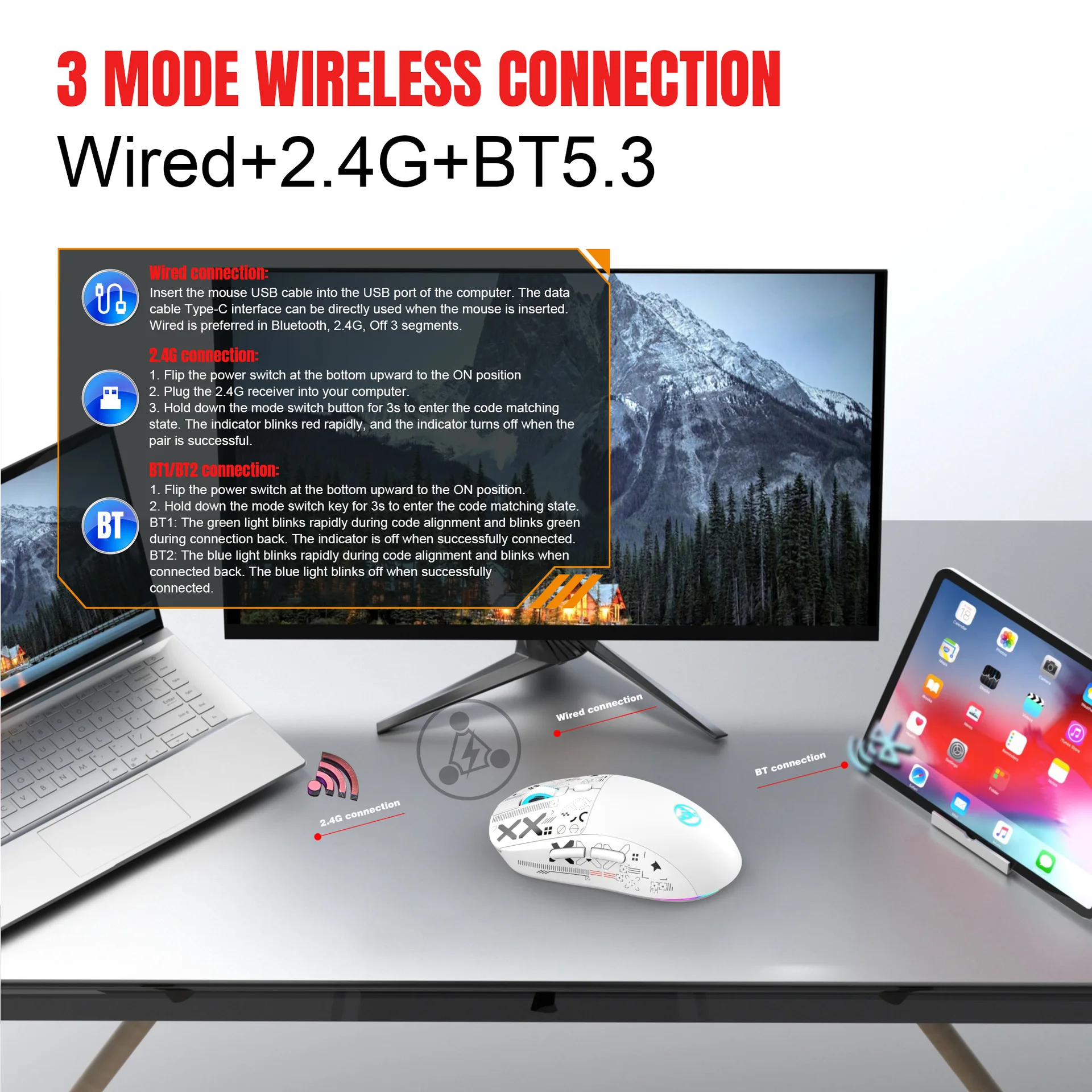
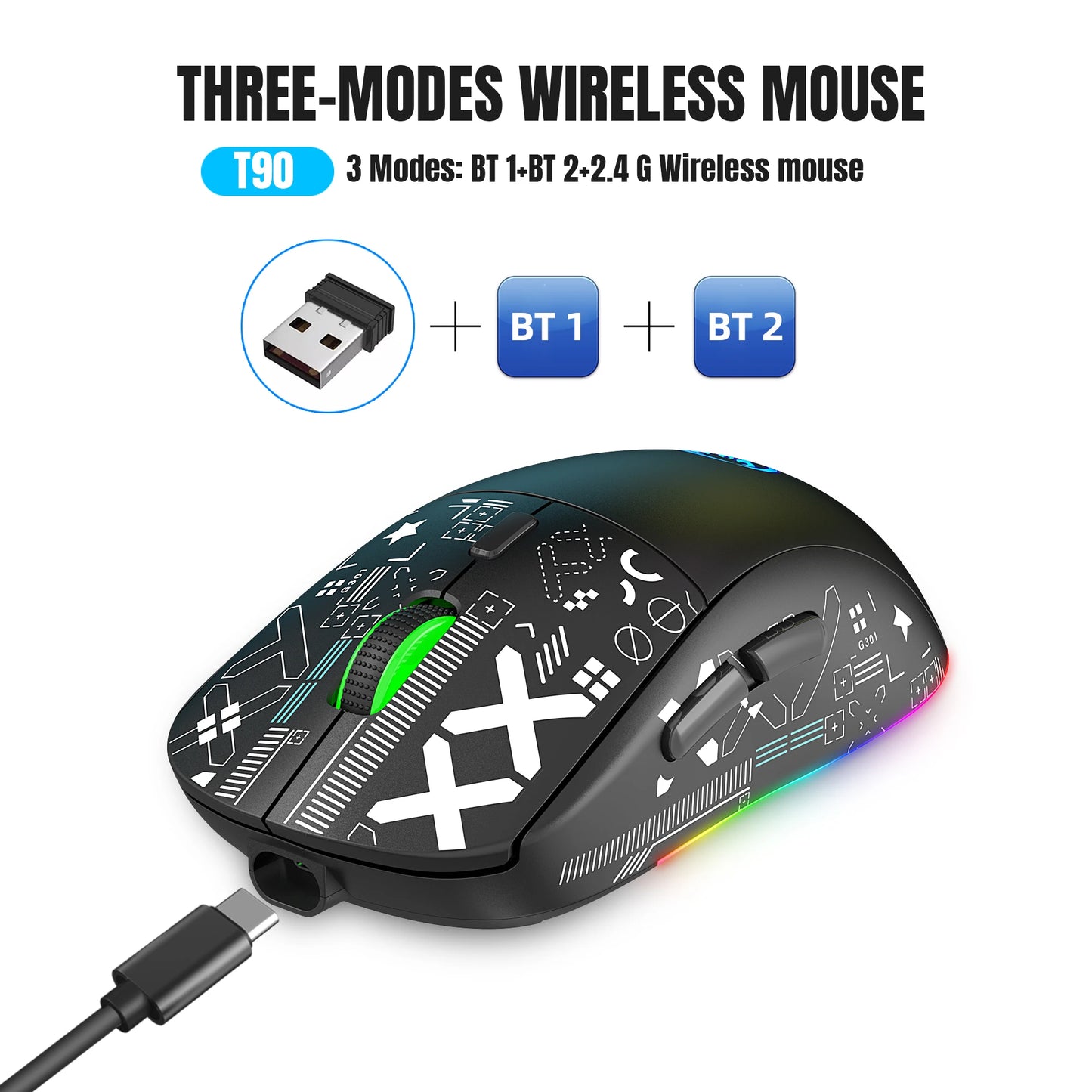
1. 3 Modes: Wired + 2.4G wireless + BT5.3
2. Rechargeable: 650mAh built-in rechargeable battery
3. Accurate tracking: professional IC positioning accuracy
4. 10 m wireless receiving distance
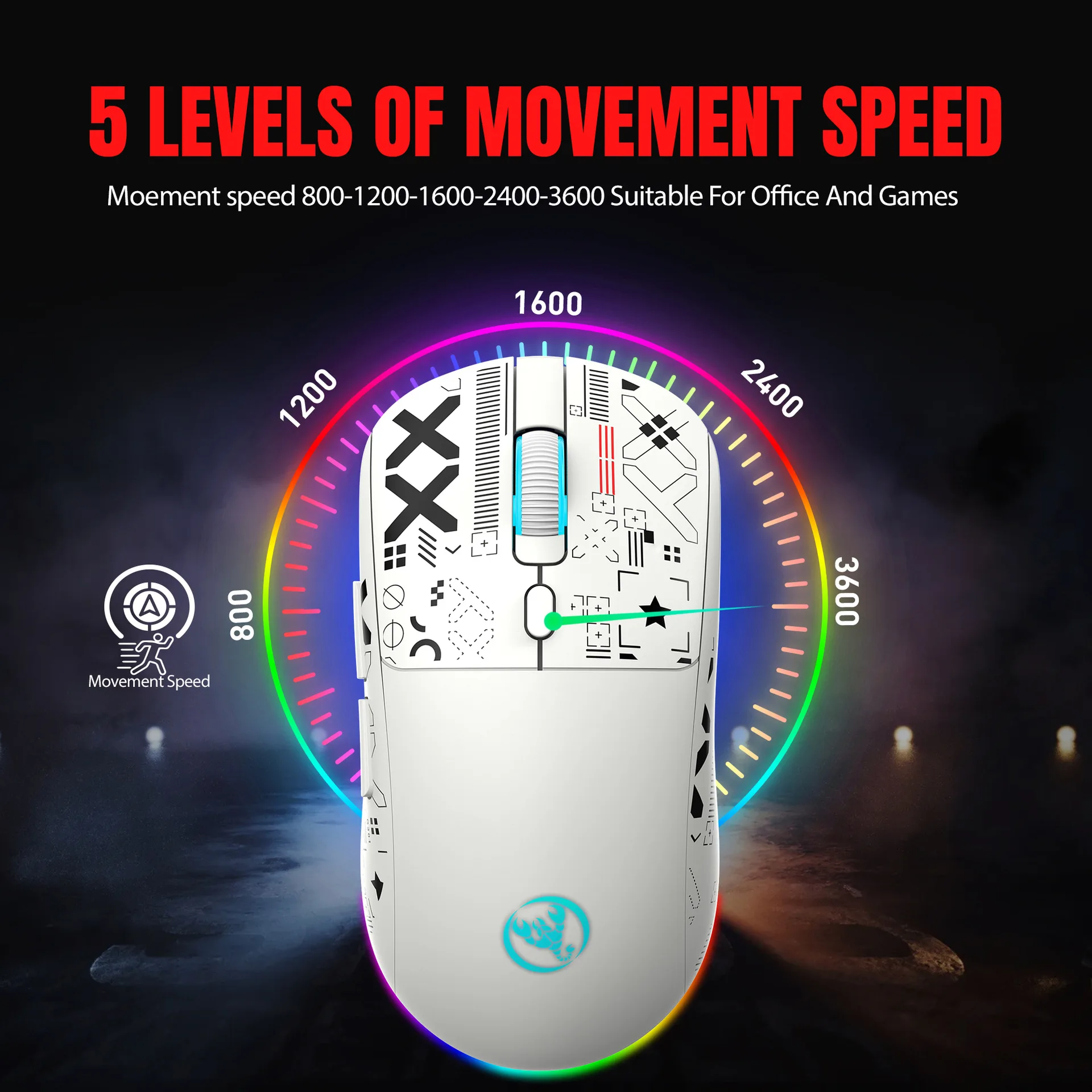
5. Five-level movement speed adjustment design
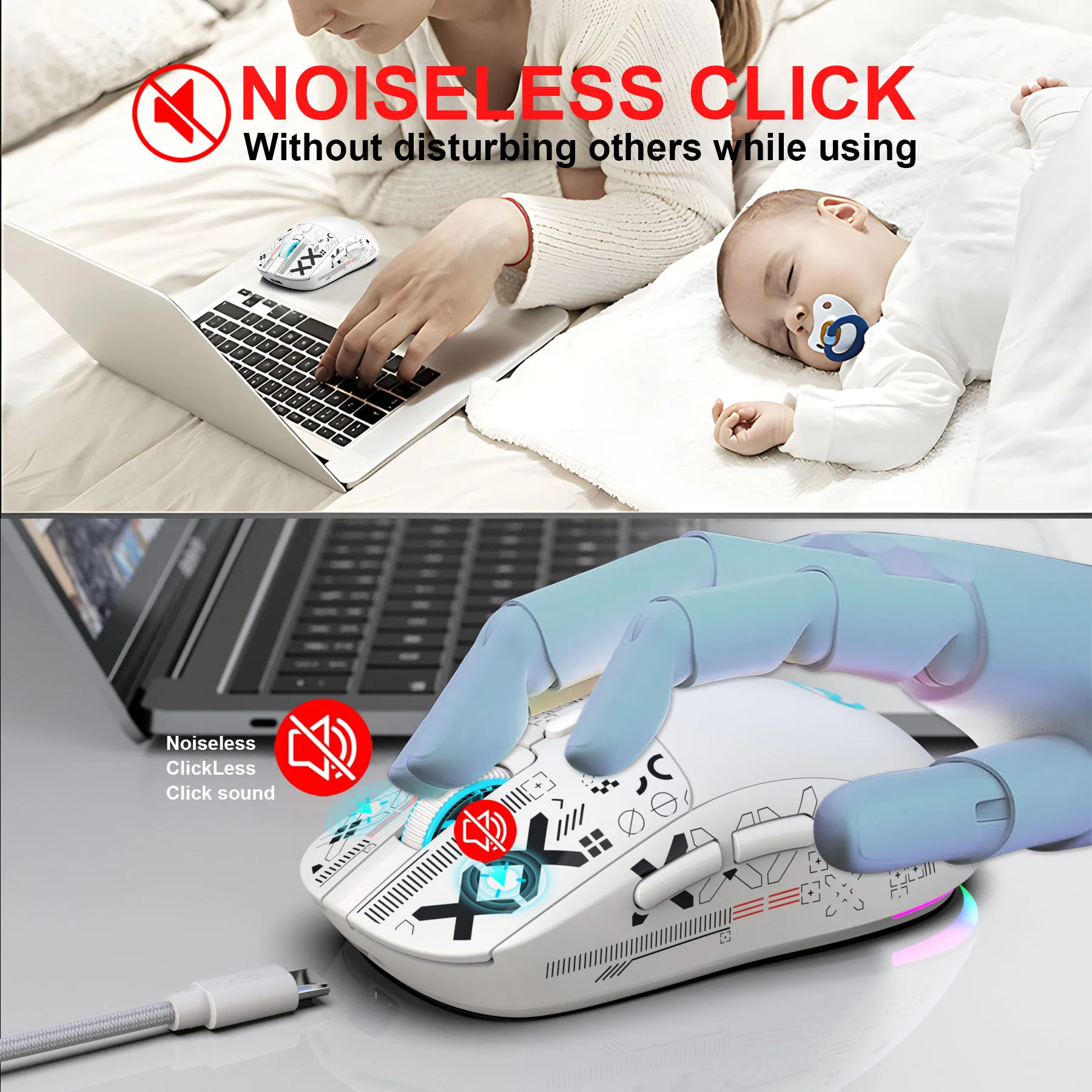
6. Sound switch design rated for 10 million clicks
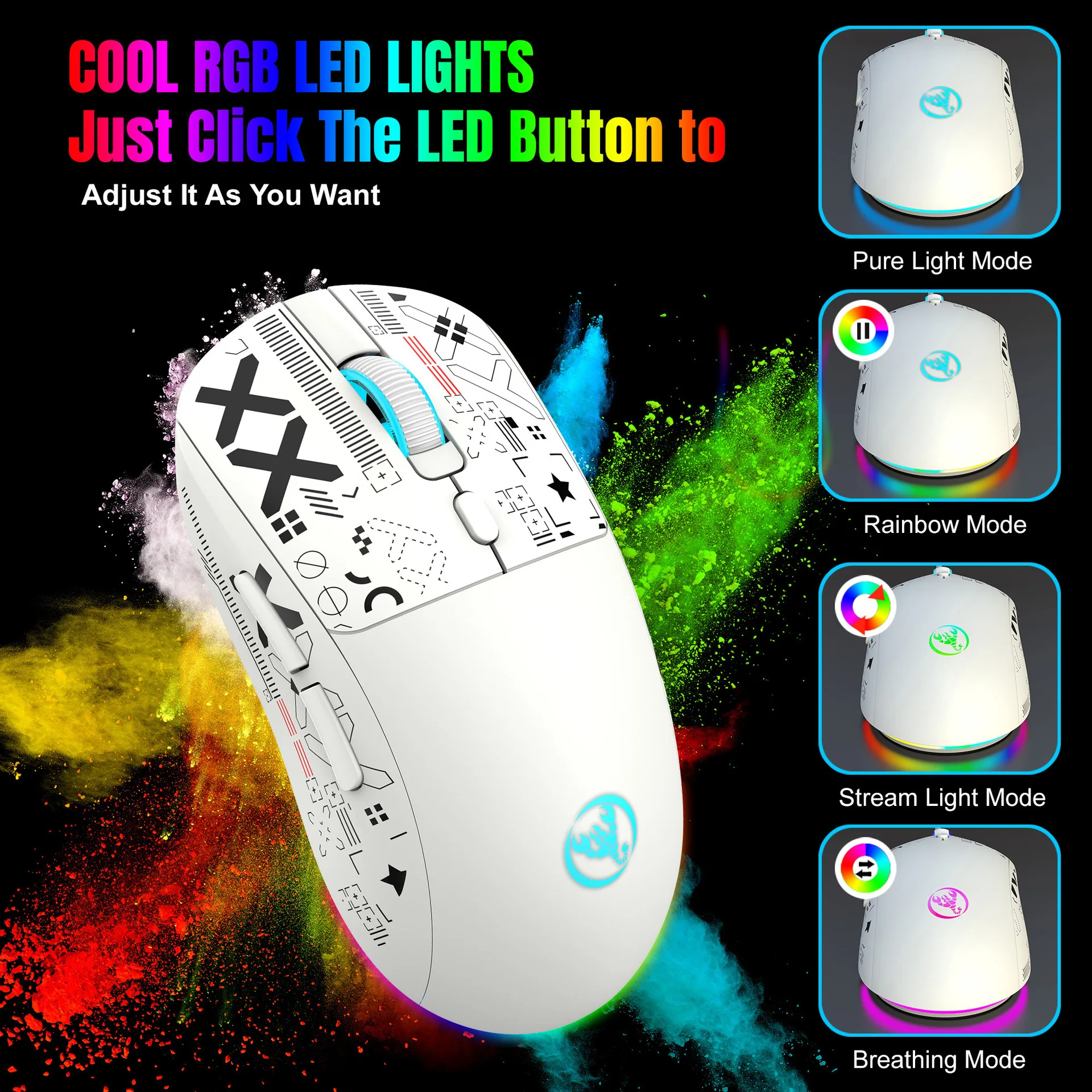
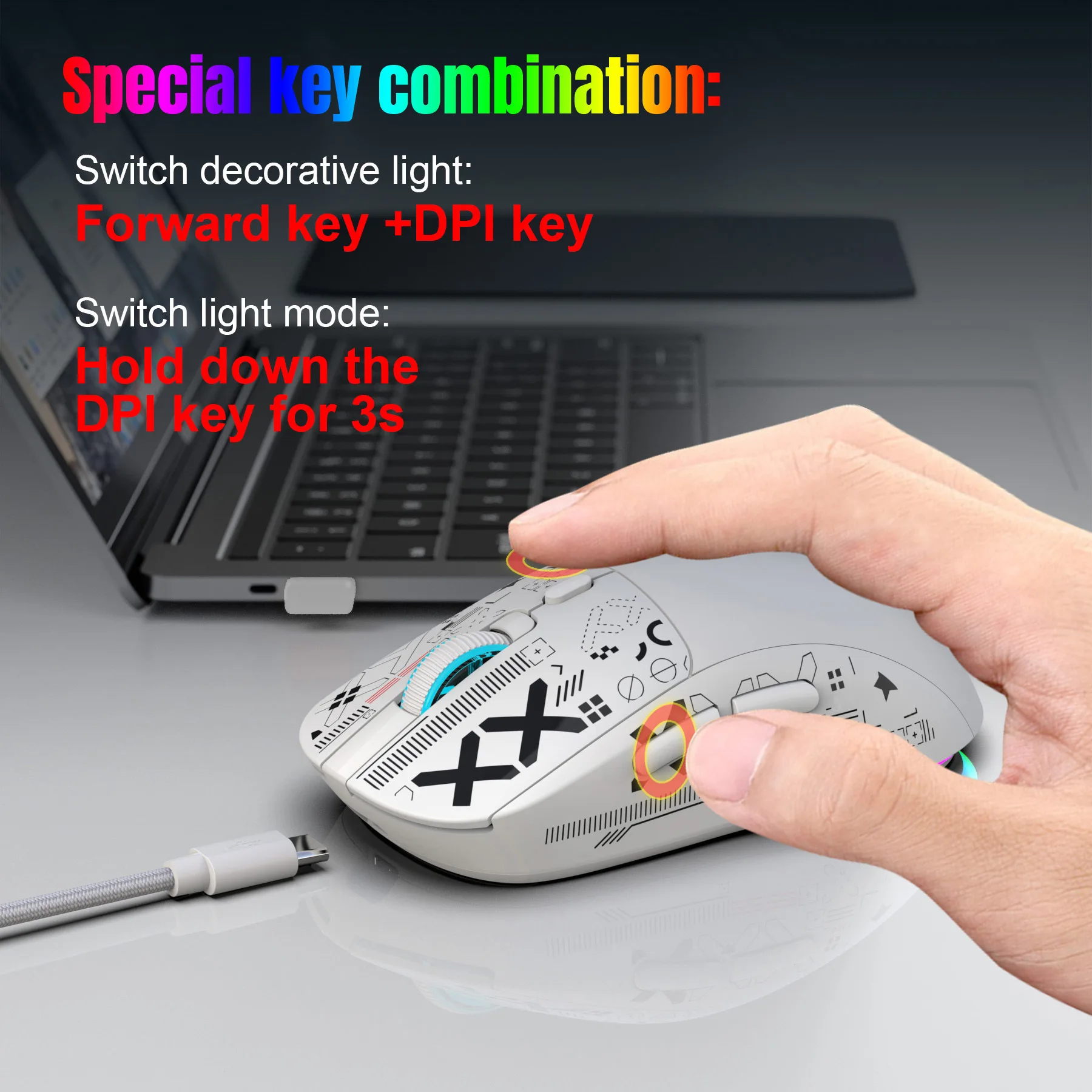
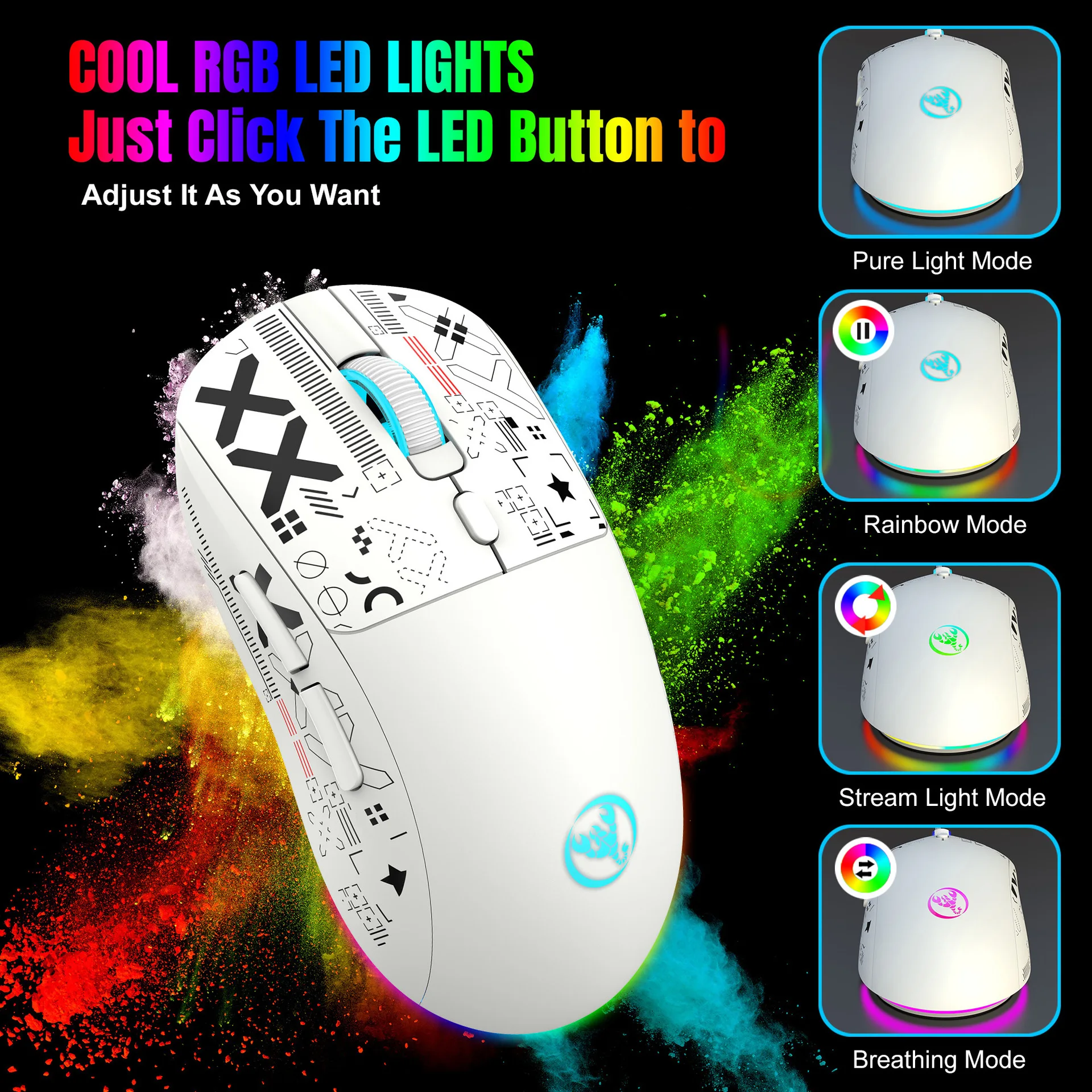
7. Lighting mode: RGB marquee effect, up to 6 lighting pattern designs. The light can be turned off.
Product Parameters:
Brand/Model: HXSJ/T90
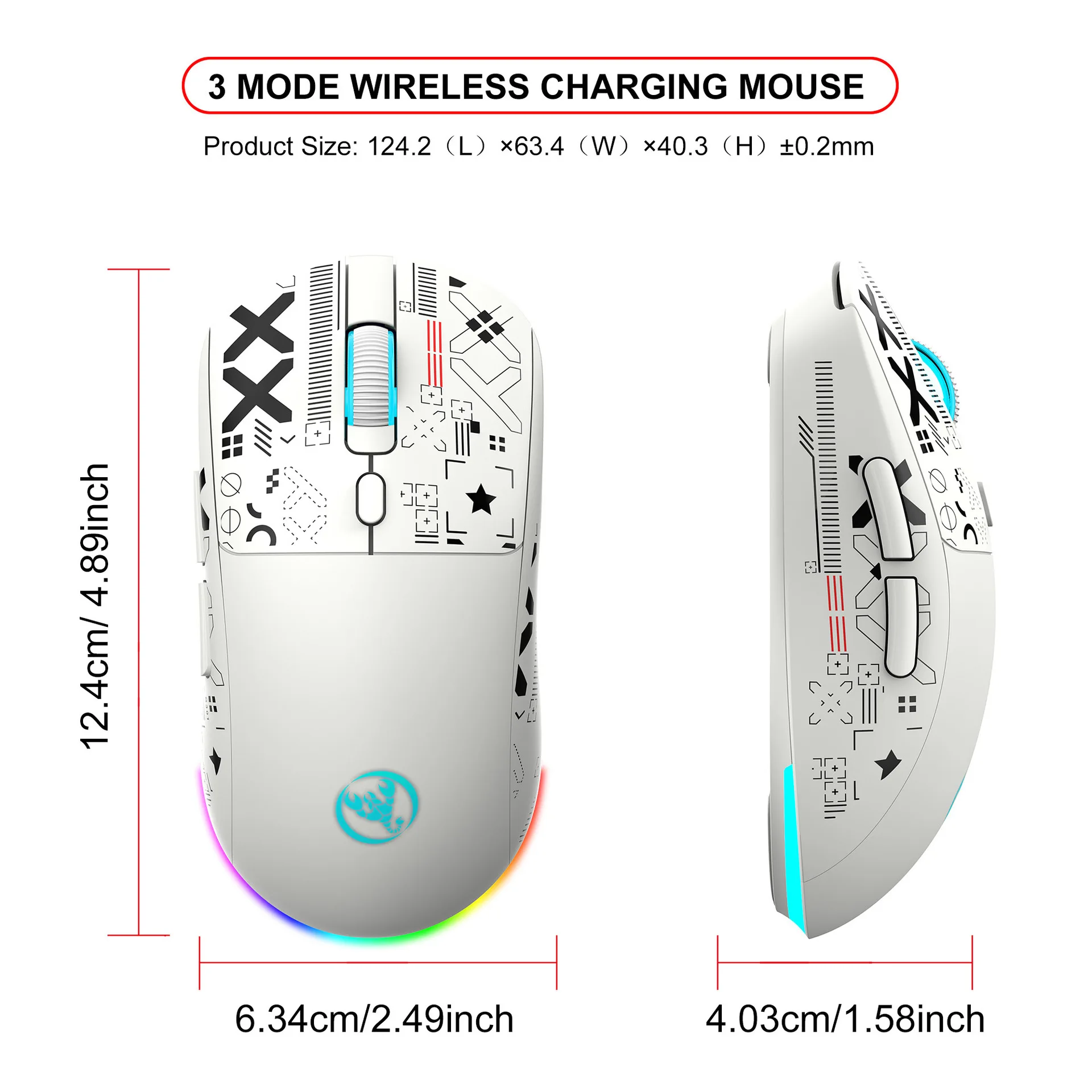
Product Name: Three-Mode Wireless Charging Mouse
SENSOR: FR2012+3212
Default polling rate:
BT mode: 125HZ
2.4G mode: 250HZ
Wired mode: 1000HZ
Movement speed: 30IPS
Refresh rate: 4800FPS
Acceleration: 10G
Operation mode: Opto-electronic
Type: Wired/2.4 GHz/BT5.3
Cable length: 1.8 m (wear-resistant braided data cable)
Power type: Rechargeable
Number of keys: 6 keys
Key lifespan: 10 million clicks (mute switch)
Lighting type: 6 RGB lighting modes
Wireless range: 10 m
Battery capacity: 650mAh
Movement Speed: 800-1200-1600-2400-3600
Rated voltage / current: 3.7V / 12mA
Product weight: 86 g
Product size: 12.5 * 6.3 * 4.1 cm
Package weight: 147 g
Package size: 13.5 * 8.5 * 4.7 cm
Package includes:
1 x Three-mode mouse
1 x USB receiver
1 x Type-C charging cable (180 cm)
1 x Instruction manual
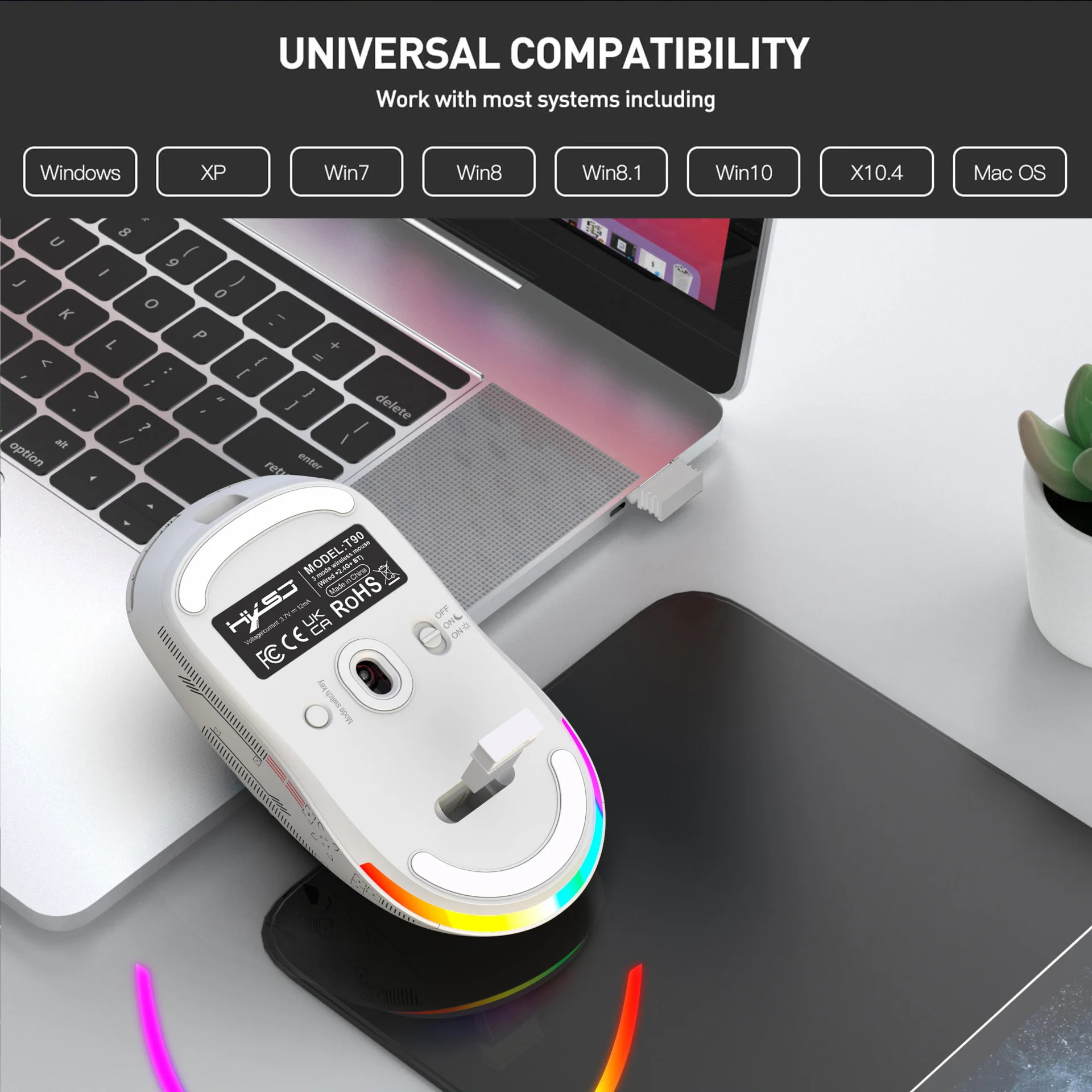
Compatible systems:
Windows (Windows XP / Vista / 7 / 8 / Server 2003 / 2000 / Win10, etc.), Android (Android 4.3 and above), Mac OS (macOS 10.10 and above recommended).
Compatible devices:
Suitable for desktop computers, laptops, smart TVs with USB interface, etc.
How to use:
Wired connection:
Insert the mouse USB cable into the computer's USB port.
The Type-C data cable interface can be used directly when the
mouse is connected.
2.4G connection:
1. Move the power switch on the bottom down to the ON position.
2. Press and hold the mode switch button for 3 seconds to enter pairing mode, and the indicator light at the scroll wheel will quickly flash red.
3. Then insert the 2.4G USB receiver into the computer. The red indicator light will turn off, and the mouse can be used normally.
BT1/BT2 connection:
1. Slide the power switch on the bottom upward to the ON position.
2. Hold down the mode switch button for 3 seconds to enter pairing
mode.
BT1: The green light flashes rapidly during pairing and flashes
green when reconnecting. The indicator turns off when
successfully connected.
BT2: The blue light flashes rapidly during pairing and flashes
when reconnected. The blue light turns off once successfully
connected.