Menu
Inscription / Connexion

Les membres de la meute avancent plus vite.
🐺 Rejoindre la meuteDéjà membre ? Connectez-vous

Disponibilité: Stock bas : 22 restant(s)
Impossible de charger la disponibilité du service de retrait


Battery Included: Yes
Brand Name: E-YOOSO
Certification: CE,FCC
Choice: yes
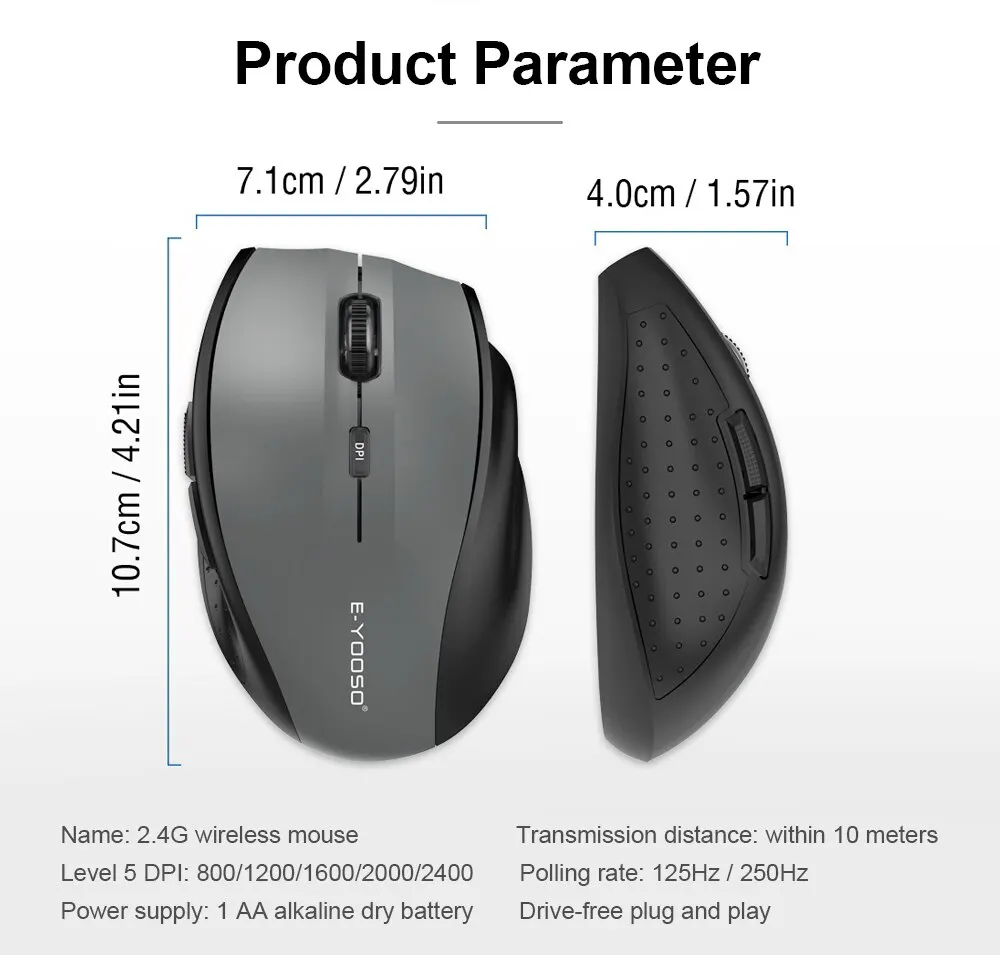
DPI: 2400
E-YOOSO Model: E1010
Hand Orientation: Right
High-concerned chemical: None
Interface Type: USB
Number of Buttons: 5
Number of Rollers: 1 pcs
Operation Mode: Opto-electronic
Origin: Mainland China
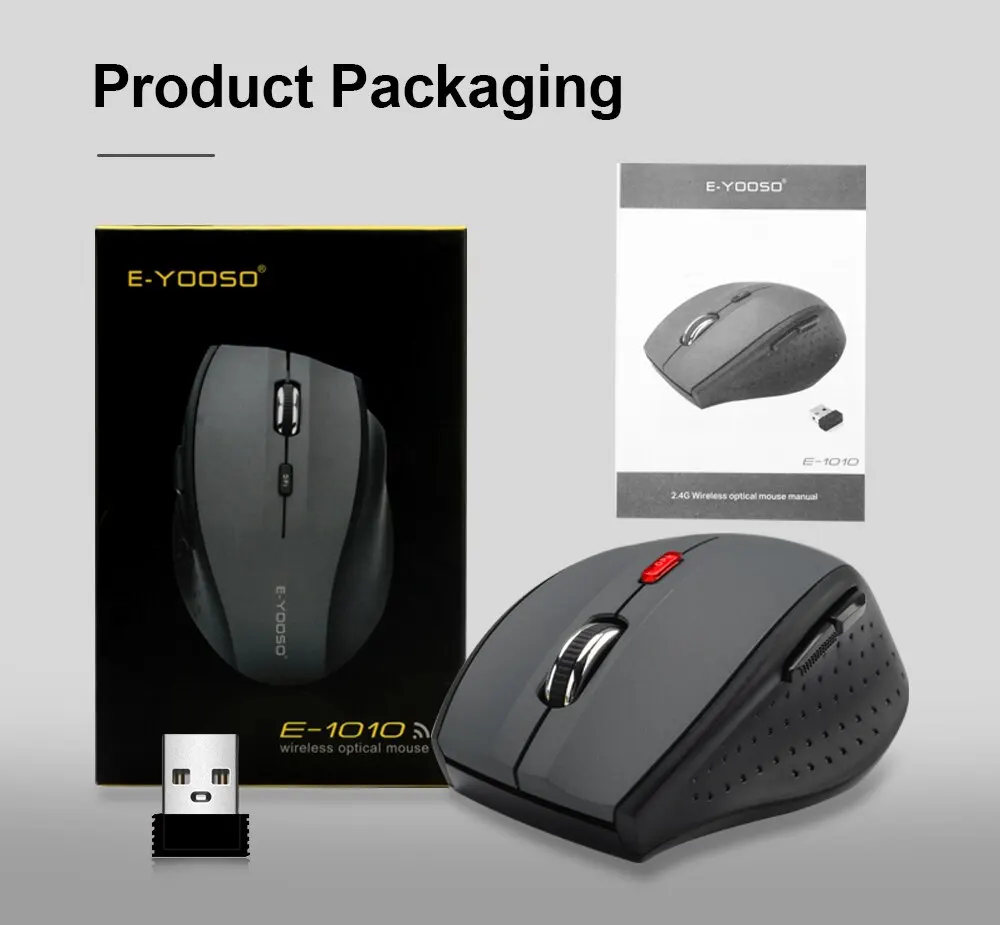
Package: Yes
Power Type: Battery
Style: DPI adjust button
Type: 2.4Ghz Wireless
• 2400 DPI Optical Resolution :Enjoy precise and accurate mouse movements with a high optical resolution of 2400 DPI.
• Wireless 2.4Ghz Connection :Say goodbye to tangled wires and enjoy the freedom of a wireless connection with 2.4Ghz technology.
• Ergonomic Design :Designed for comfortable use, this mouse is ergonomic and reduces strain on your hand and wrist during extended periods of use.
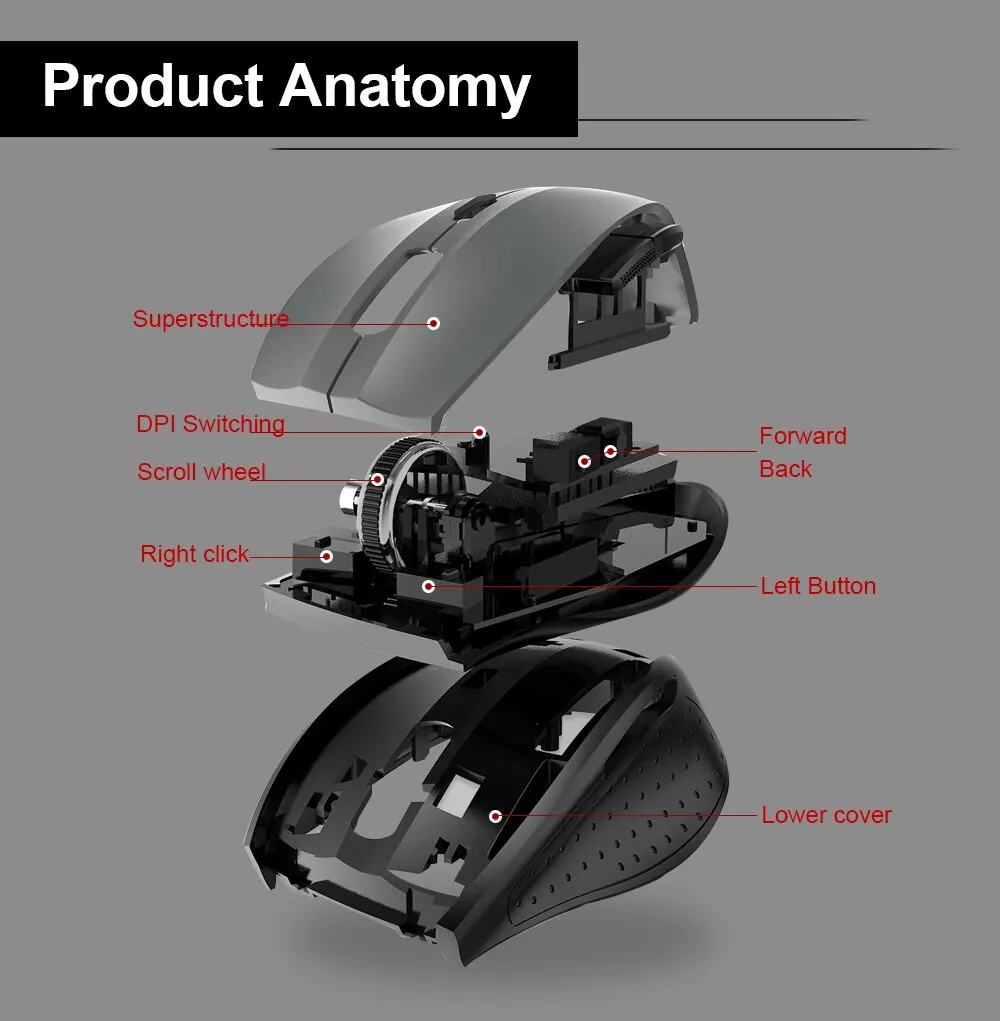
• 5 Adjustable Buttons :With 5 adjustable buttons, you can customize your mouse settings to suit your needs and preferences.
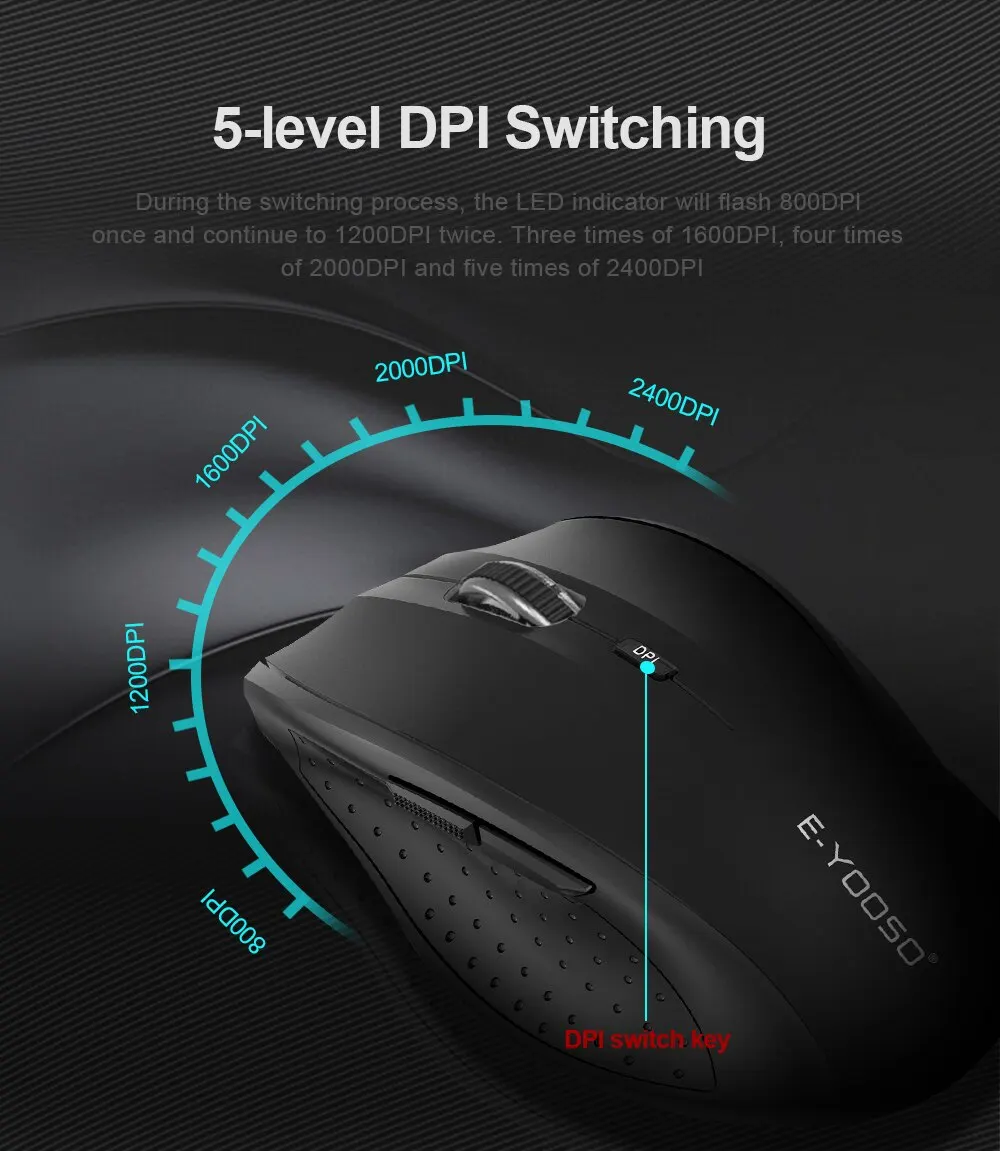
1, DPl adjustment function 5 level DPI,800/1200/1600/2000/2400. Default1200DP. fyou want to switch between different speeds, press the DPI key. available to switch between the five gears till you like. Duringthe switching process, the LED indicator will flash once for 800DPl twice for 1200DPI. three times for 1600DPI, four times for 2000DPI and five times for 2400DPI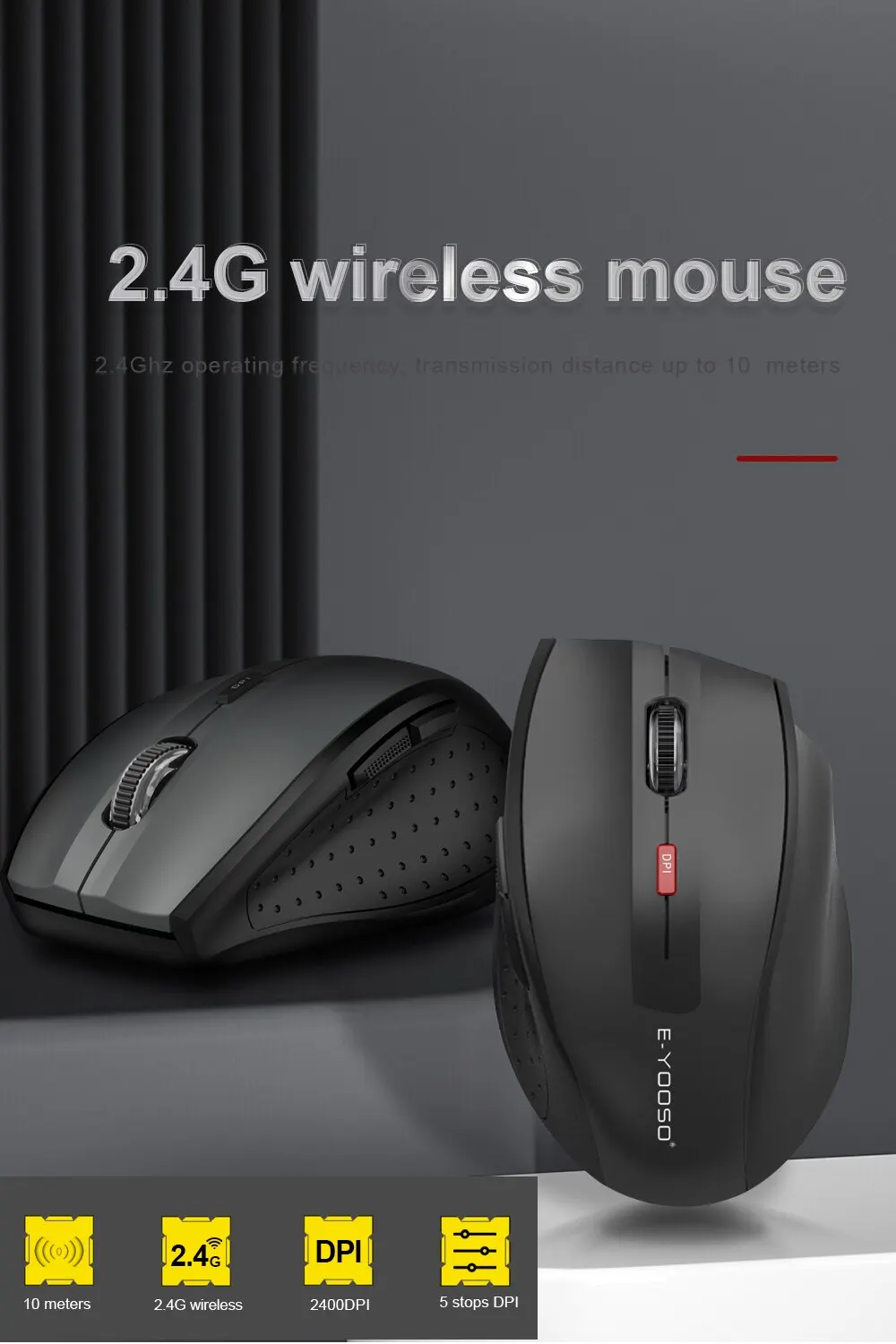
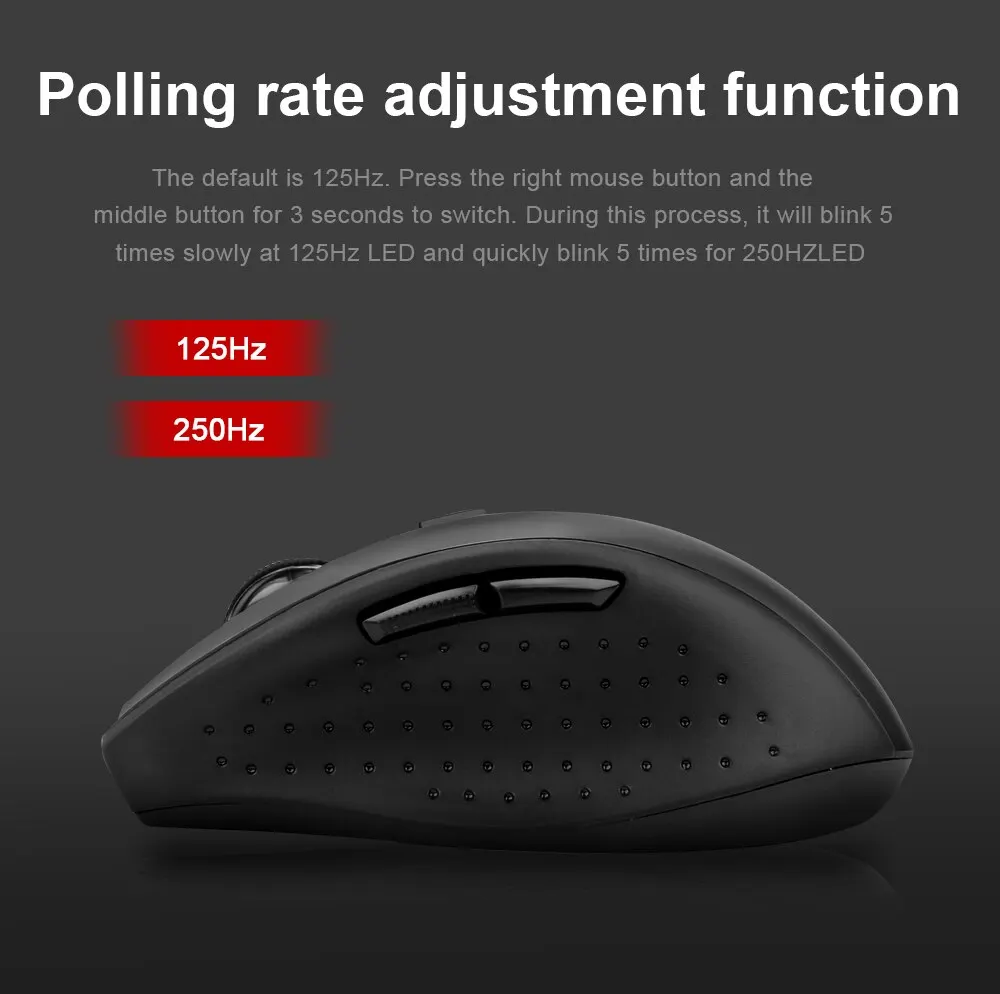
 2. Polling rate adjustment function The mouse has an polling rate of 125Hz/250Hz, default 125Hz Press the right button and the middle button for 3 seconds to switch, during the process, it will flash 5 times slowly for the 125HzLED and 5 times quickly for the 250HZLED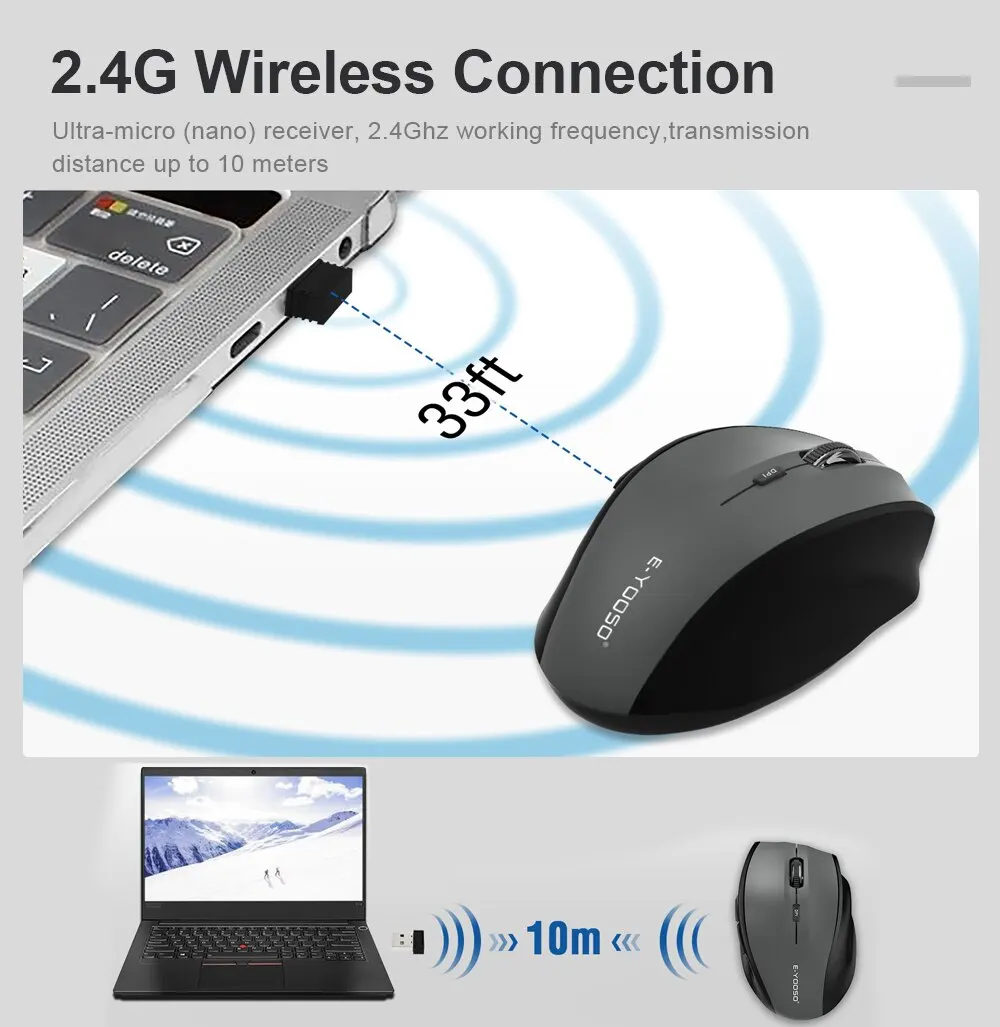
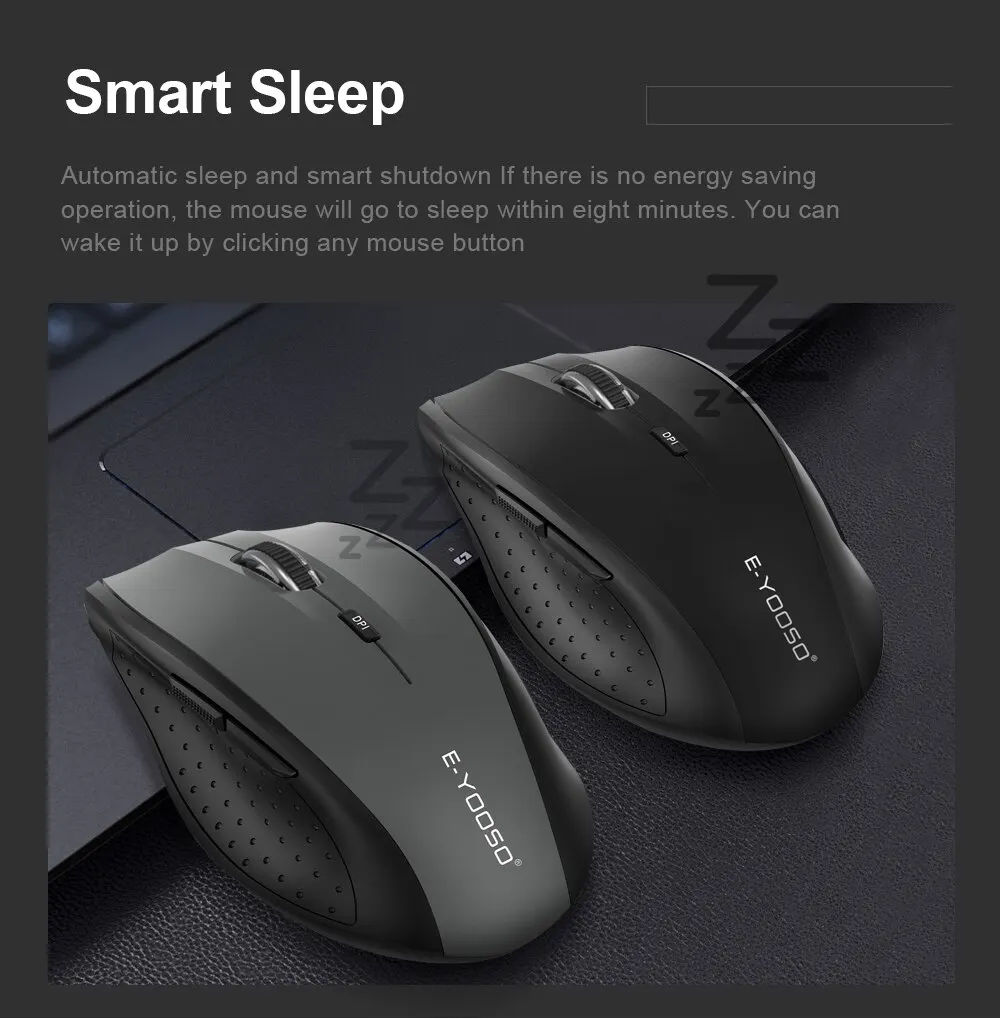
 3, Auto Sleep and Smart Shutdown The mouse will sleep in eight minutes if there is no operation to save energy. You can wake it up by clicking any mouse button, Or you can also enter this mode by pressing a button or moving the mouse when you turn off the computer or unplug the recever, Friendly Tips: please take out the battery when you do not use the mouse for a long time, so as not to corrode the machine parts The Backward button The Forward button
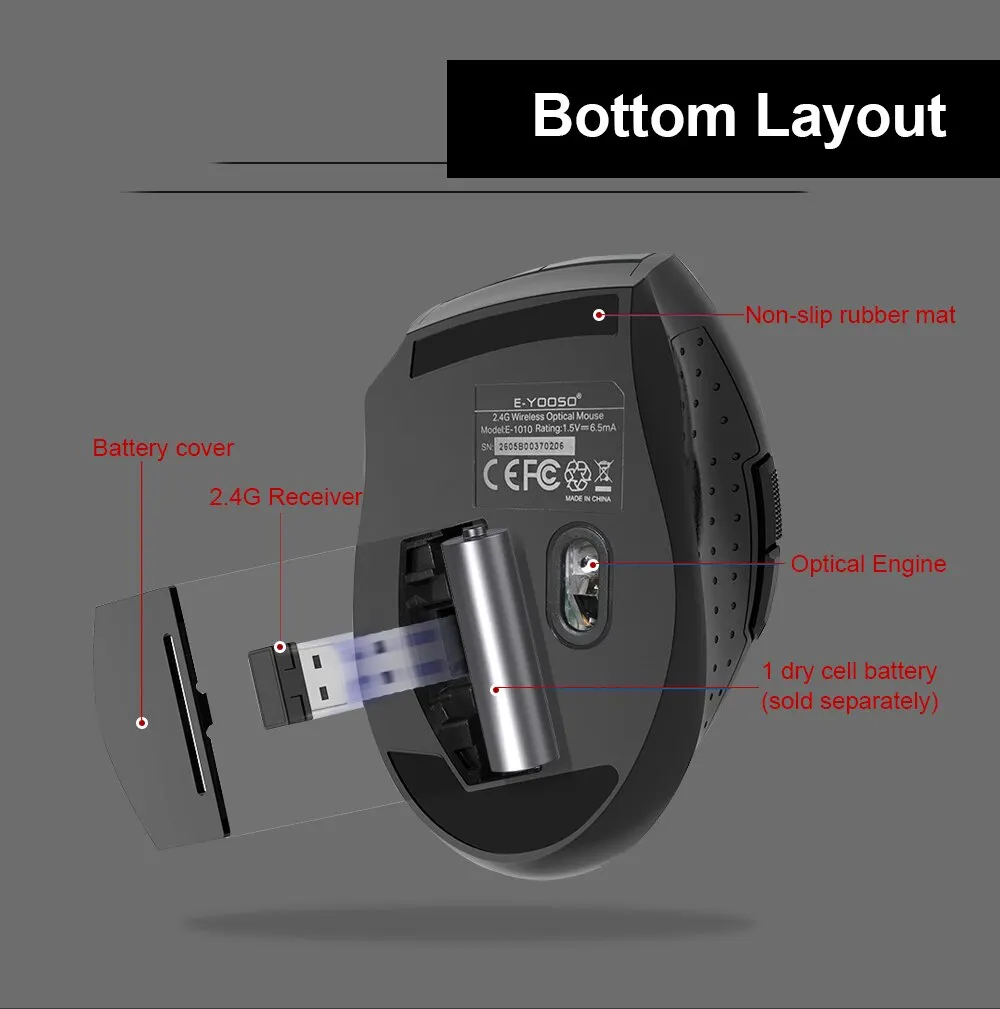
 4. Receiver collection function This mouse uses an ultra-micro(Nano) receiver, which can be placed within the USB port of the PC or Notebook in a long term without any effect on the computer. If you want to carry out the mouse alone or collect it, you can put the receiver inside the mouse for storage. Easy to carry outside and avoid missing