Passer aux informations produits
1 de 23

JOMAA Bluetooth&2.4G USB Keyboard and Mouse Set for Laptop Computer ipad Rechargeable Wireless Keyboard and Mouse Combo Slient

JOMAA Bluetooth&2.4G USB Keyboard and Mouse Set for Laptop Computer ipad Rechargeable Wireless Keyboard and Mouse Combo Slient

Prix habituel 229,54€
Prix habituel 0,00€ Prix promotionnel 229,54€
Épuisé
Taxes incluses. Frais d'expédition calculés à l'étape de paiement.
SPECIFICATIONSApplication: Desktop,Laptop,Number,TabletBacklight Type: No backlightBattery Included: YesBrand Name: JOMAAChoice: yesHigh-concerned chemical: NoneInterface Type: Bluetooth / USBKeyboard Standard: 98 KeysKeycup material: Abs plasticLanguage: Russian,Korean,Hebrew,EnglishOperation Style: CapacitiveOrigin: Mainland ChinaPackage: YesStyle: StandardType: Bluetooth...
Dépêche-toi! Les offres se terminent dans : --:--:--

DisponibilitéStock bas : 10 restant(s)

Color
Axis Body

SKU: 14:1063#black;200009450:201450907#Hebrew
Distributeur: Fraquane SAS
Afficher tous les détails

SPECIFICATIONS

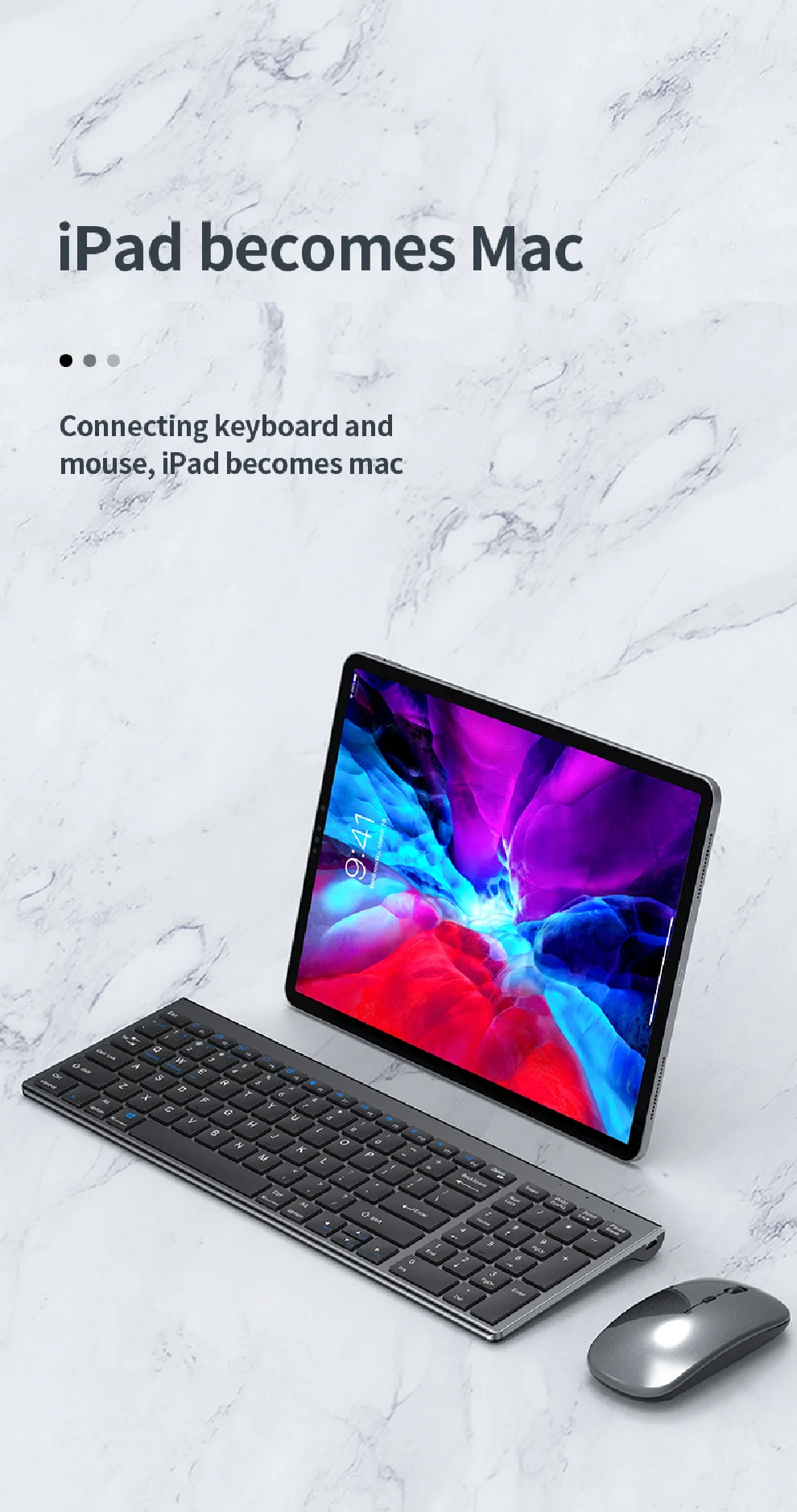
Application: Desktop,Laptop,Number,Tablet

Backlight Type: No backlight

Battery Included: Yes

Brand Name: JOMAA

Choice: yes

High-concerned chemical: None

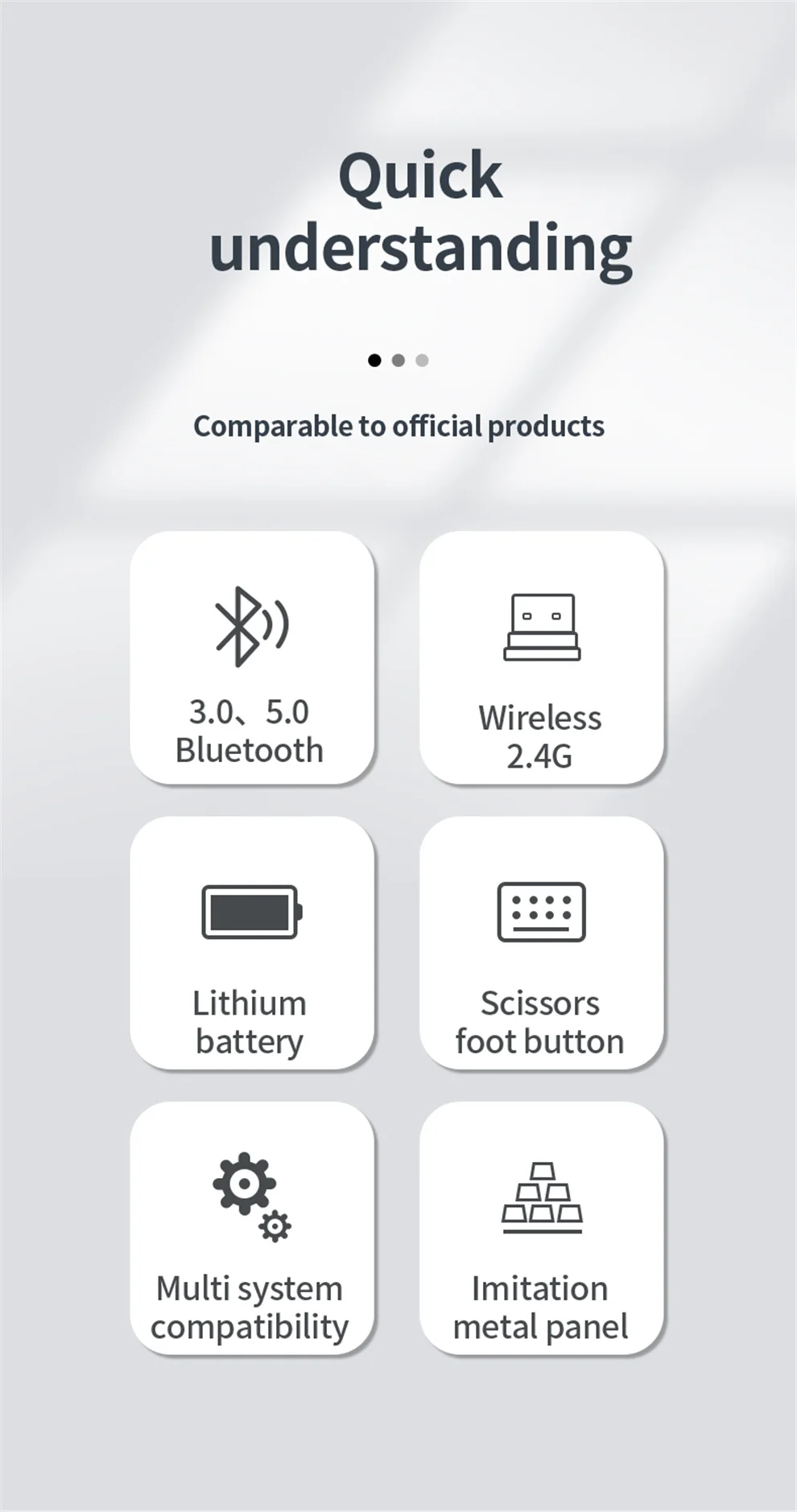
Interface Type: Bluetooth / USB

Keyboard Standard: 98 Keys

Keycup material: Abs plastic

Language: Russian,Korean,Hebrew,English

Operation Style: Capacitive

Origin: Mainland China

Package: Yes

Style: Standard

Type: Bluetooth Wireless


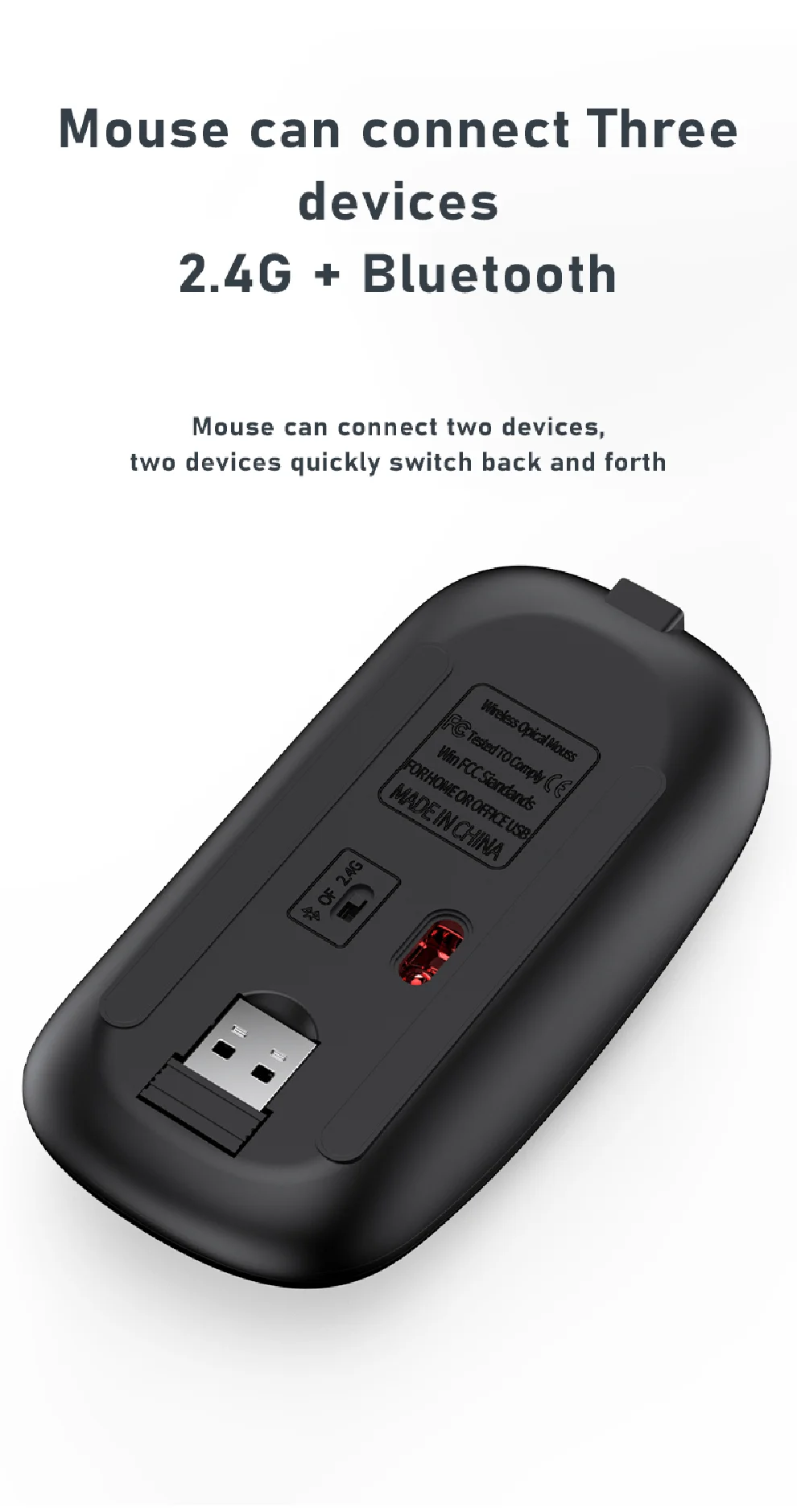
USB2.4G connection:
1. Flip the power switch to ON to turn on the keyboard
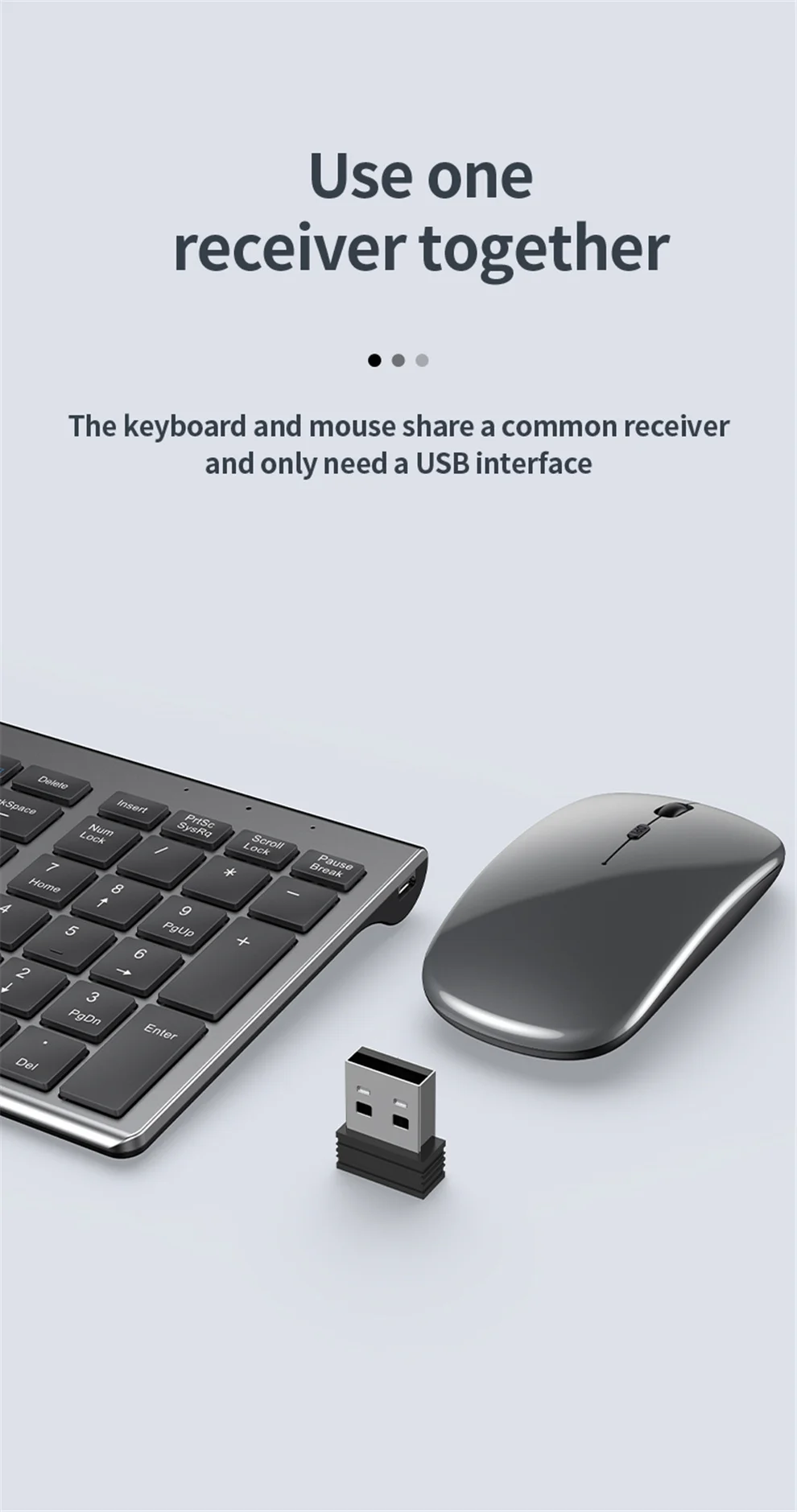
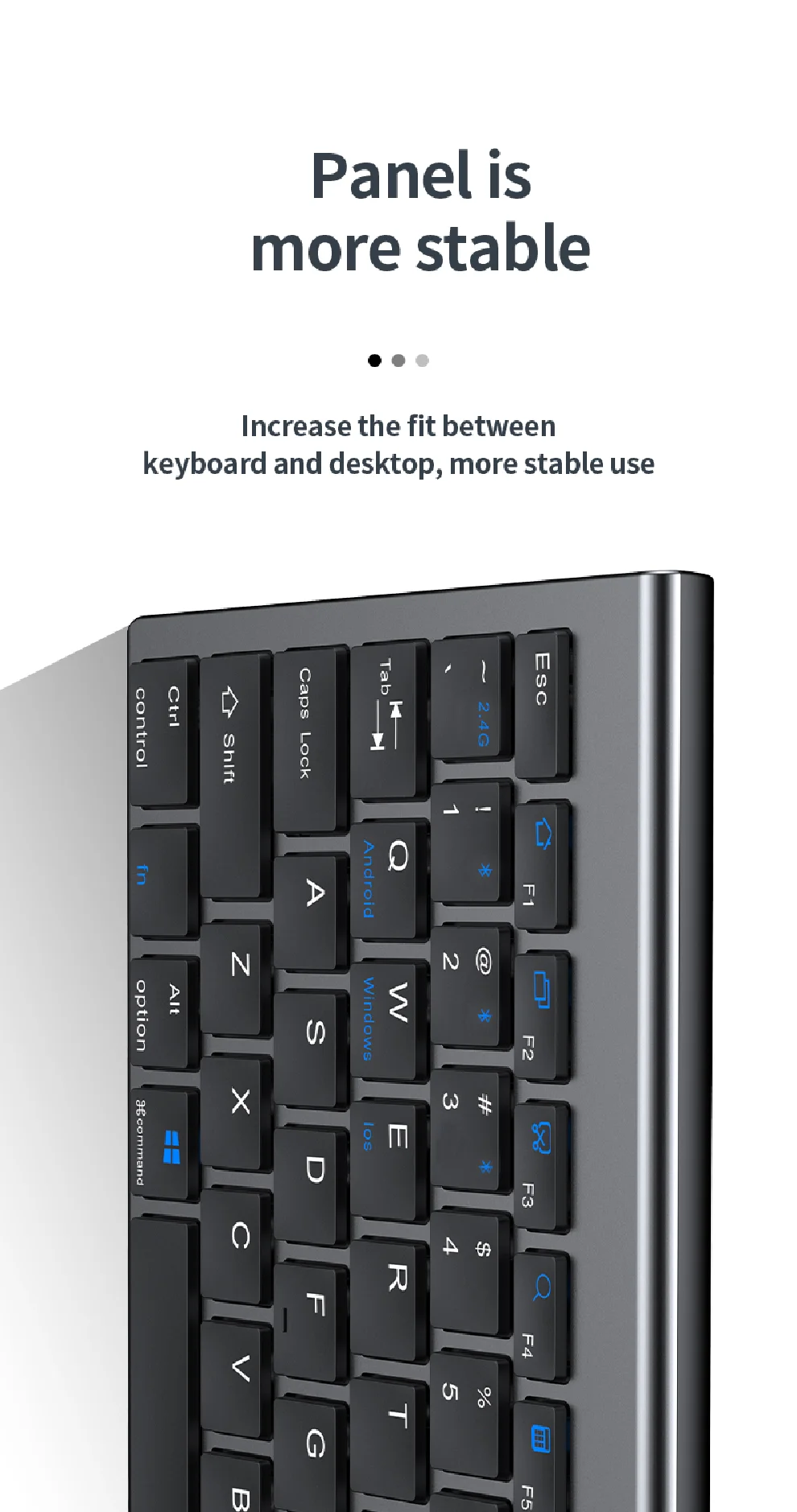
2. Insert the USB into the computer, press and hold the button FN+~, the connection is successful
 
Bluetooth connection:
1. Flip the power switch to ON to turn on the keyboard
2. Turn on your device's Bluetooth to enter the search state (system settings - turn on Bluetooth - search and add)
2. Press and hold the key FN+1 or FN+2 or FN+3 on the keyboard, the light flashes, the device will display "O50 keyboard BT", you can click to connect successfully.


Multi-device connection:
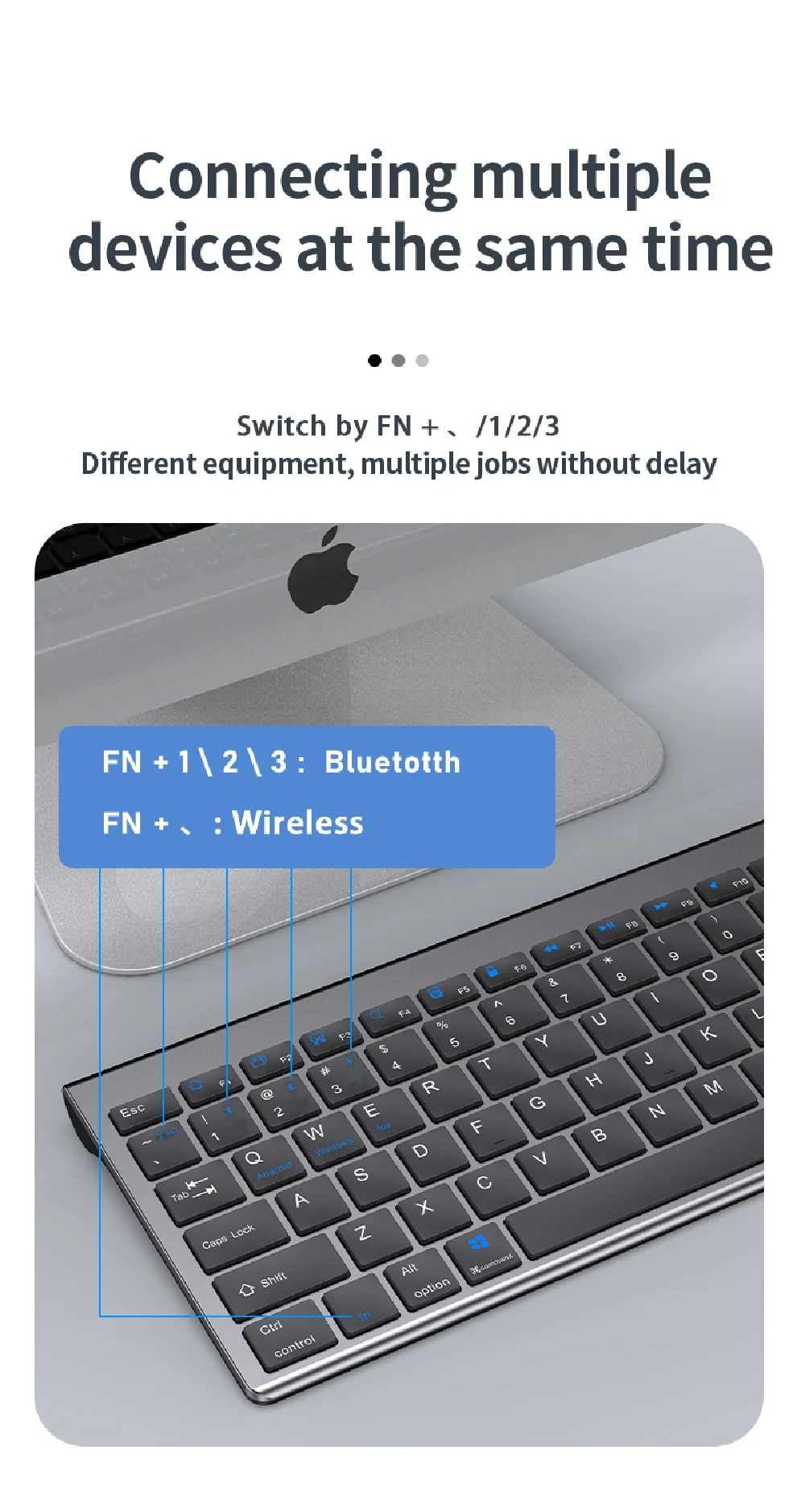
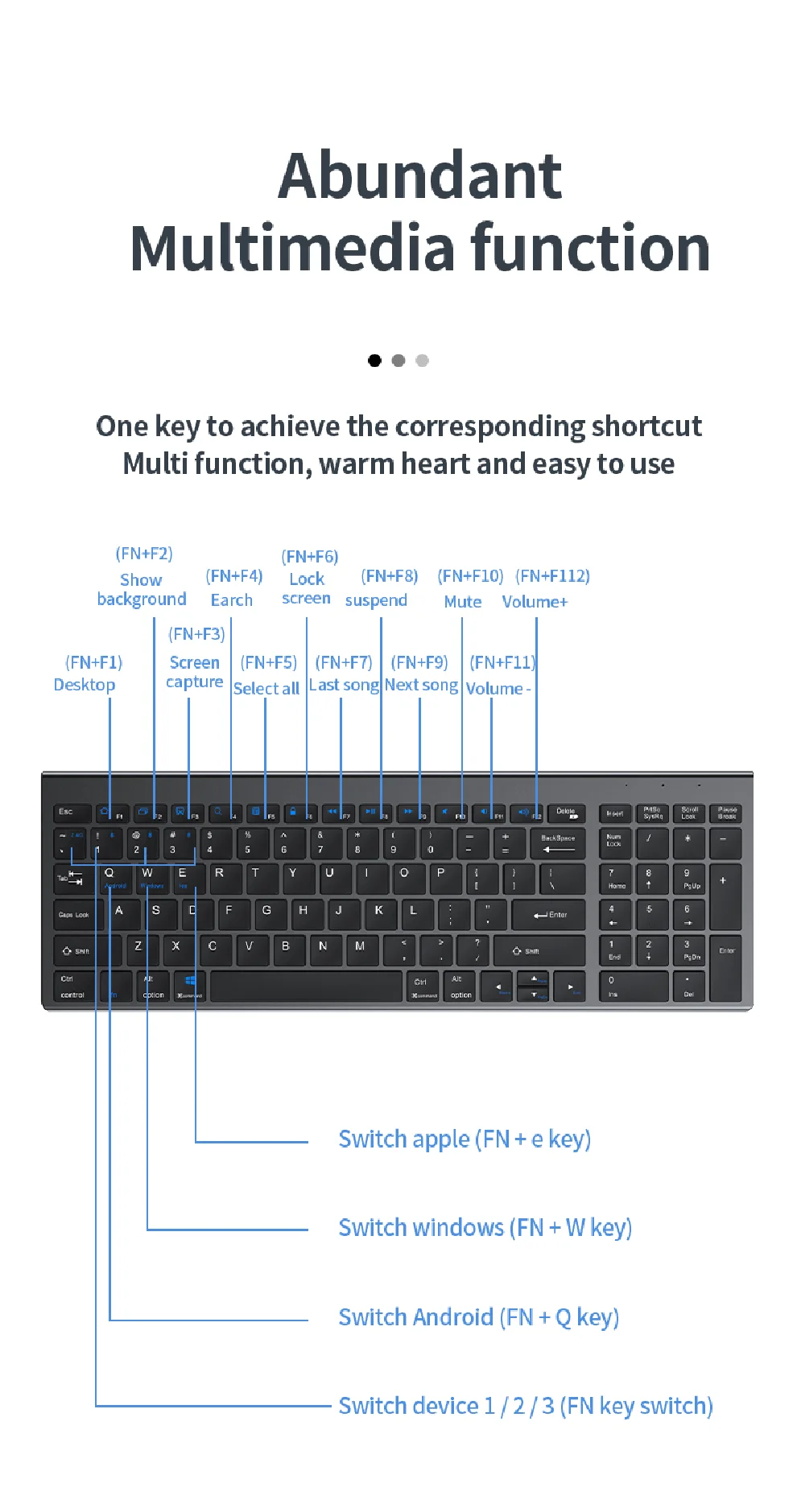
1.FN+1: Connect to Bluetooth device 1
2.FN+2: connect to bluetooth device 2
3.FN+3: connect to bluetooth device 3
4.FN+~: connect to USB, 2.4G wireless reception
5. Press FN+1/2/3/~ alone to switch the paired devices
6.FN+1/2/3, press and hold for 3 seconds in combination: flashing light, can start the searched state (connect a new device)
 
 
Additional instructions:
1. For the first connection, you need to switch the keyboard to the corresponding system
2. Failure to switch may cause the function keys to not be used normally!
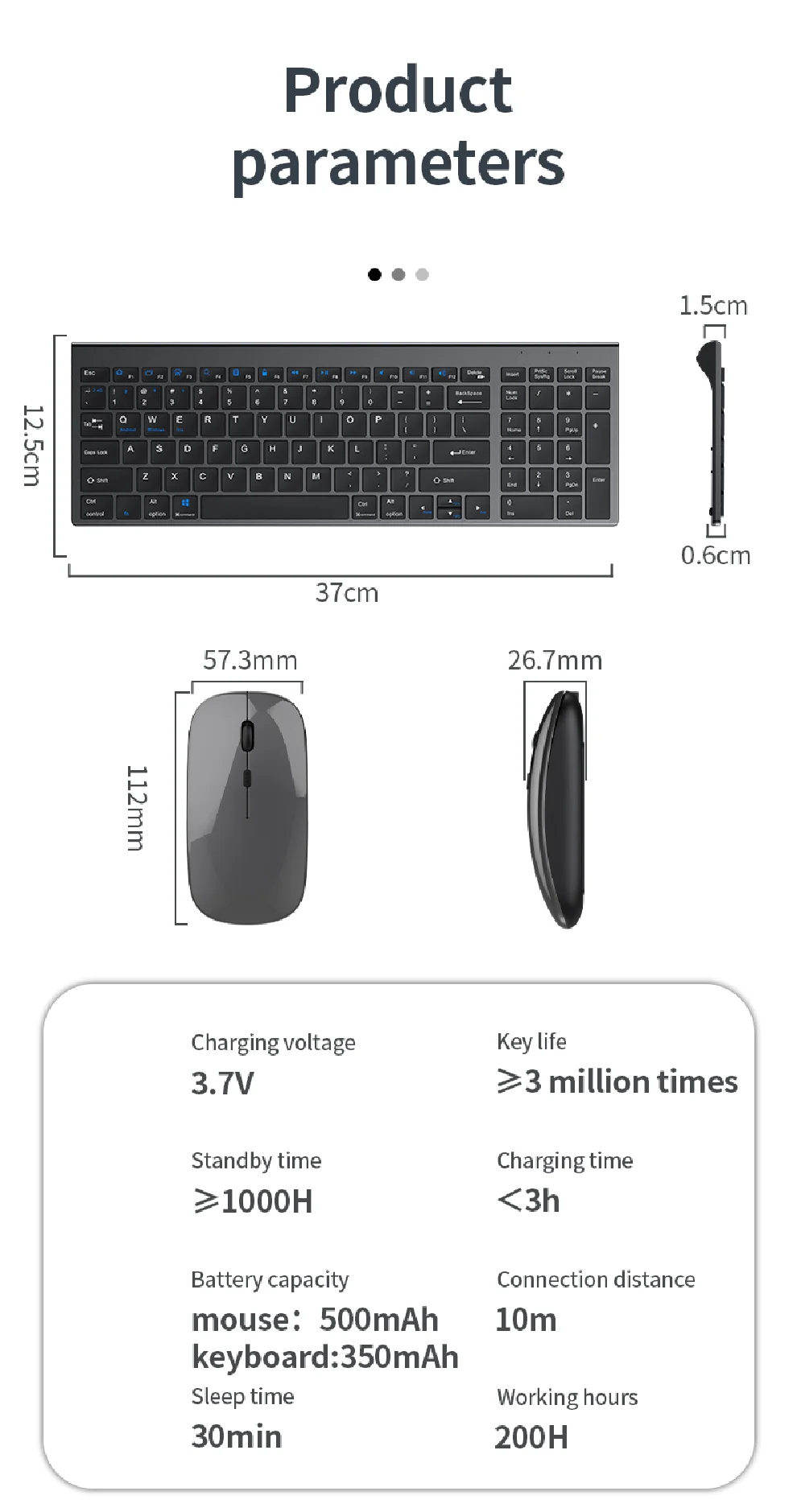
3. The keyboard distance is 5-10 meters, and the language environment factors of different devices are related to the distance.
 
 
troubleshooting:
1. When the keyboard cannot be searched, please try to turn on the bluetooth on the device to search again
2. When the keyboard is turned on and there is no indicator light, try to charge the keyboard.
3. After connecting to other devices, go back to the original device again, you need to delete the old record before you can connect

4. When the pairing fails, you need to delete the failed pairing record, and then perform the second pairing